Bluetooth vs 2.4G vs wired controllers: which connection to pick
What Bluetooth, 2.4G and wired USB connections mean for a game controller, based on maker pages and the Bluetooth SIG and USB-IF, with the trade-offs for handhelds, phones and PC.
By Sepehr Sabbagh-pourPublished 16 Oct 2026Updated 9 Nov 20267 min read
Bluetooth, 2.4G and wired USB are the three ways a controller reaches a device, and the right one is set by your platform more than by preference. Makers list different modes for Windows, Android, Apple and Switch, so read the platform line first. It draws on maker pages and the Bluetooth SIG and USB-IF.
What is the difference between Bluetooth, 2.4G and wired?
Bluetooth is a standard wireless technology. The Bluetooth SIG says it offers two radio options, Classic and Low Energy (LE), and both use the 2.4 GHz band: Classic streams data over 79 channels, LE over 40 (Bluetooth technology overview). The Bluetooth SIG's Human Interface Device profile page says the profile defines how devices with Bluetooth wireless communications can use the HID Specification (HID profile).
2.4G is the maker's name for its own wireless mode. On 8BitDo's Ultimate 2 Wireless and Ultimate 3C+ the box lists a 2.4G adapter, and 8BitDo lists 2.4G and Bluetooth as separate modes on the same controller. Wired means a USB cable. The USB-IF describes the USB-C connector as slim, reversible and aimed at mobile device designs, and says it supports scalable power (USB Type-C specification).
What do makers say about each mode?
| Controller (maker page) | Modes the maker lists | Stated detail |
|---|---|---|
| 8BitDo Ultimate 2 Wireless | 2.4G and wired on Windows; Bluetooth on Android and Apple | 1000Hz polling over 2.4G and wired, described as ideal-environment data from 8BitDo's lab; battery capacity not stated |
| 8BitDo Pro 3 | Bluetooth or wired on SteamOS, Android and Apple; 2.4G or wired on Windows; Bluetooth, 2.4G or wired on Switch | 1000mAh battery; polling ranges differ by input mode |
| 8BitDo Ultimate 2C Wired | Wired USB on Windows and Android | 1000Hz polling in ideal conditions per the maker; no battery figure stated |
| 8BitDo Ultimate Mobile Gaming Controller | Bluetooth | 300mAh battery, 13 play hours stated |
| Razer Kishi Ultra | Direct USB-C | 15 W passthrough charging stated; battery capacity not stated |
Two things stand out. First, no single mode covers every platform: 8BitDo's Ultimate 2 Wireless uses 2.4G on Windows and Bluetooth on Android and Apple. Second, makers disagree on the detail even within one range. Polling rate is how often the controller reports its state, so a higher stated figure means more frequent reports, not a guarantee of lower lag.
Which modes does each platform get?
The same maker gives different answers for different operating systems. This table repeats what four 8BitDo pages state, and marks every gap.
| Platform | Ultimate 2 Wireless | Pro 3 | Ultimate 3E for Xbox | Ultimate 3C+ |
|---|---|---|---|---|
| Windows | 2.4G, wired | 2.4G, wired | 2.4G, wired | 2.4 GHz, USB-C wired |
| Android | Bluetooth | Bluetooth, wired | Bluetooth | Bluetooth 5.4 LE |
| Apple | Bluetooth (one spec line; the comparison row names Android only) | Bluetooth, wired | Bluetooth | Not stated |
| Switch | Not stated | Bluetooth, 2.4G, wired | Not stated | Not stated |
| Xbox consoles | Not stated | Not stated | 2.4G, wired | Not stated |
| SteamOS | No mode listed | Bluetooth, wired | Not stated | Not stated |
The pattern is consistent: where a maker lists 2.4G it is for Windows (and Xbox on the 3E), and Bluetooth is what the maker offers for Android and Apple devices. The Ultimate 2 Wireless page is also a reminder to read the small print, because its own two sections do not agree on Apple.
What does a polling rate mean in milliseconds?
Polling rate is a count of reports per second, so the gap between reports is one divided by the rate. That is arithmetic on the stated figure, not a latency measurement. The Pro 3 page lists these ranges by input mode:
| Pro 3 input mode | Stated polling | Gap between reports |
|---|---|---|
| D input, Bluetooth | 60 to 100Hz | 10 to 16.7 ms |
| D input, wired | 100 to 200Hz | 5 to 10 ms |
| S input, Bluetooth | 60 to 200Hz | 5 to 16.7 ms |
| S input, wired or 2.4G | 125Hz | 8 ms |
| X input, wired or 2.4G | 250Hz | 4 ms |
Compare that with the 1000Hz that 8BitDo states for the Ultimate 2 Wireless and Ultimate 2C Wired, a one millisecond gap, which the maker marks as ideal-environment lab data. The Ultimate 3E page adds a limit: its up to 1000Hz is for PC only and is not supported on Xbox consoles. GameSir lists 8000Hz for its wired Tarantula 8K PC, a gap of 0.125 ms by the same sum, next to its own "0.25ms Latency" wording. Whether your game or screen can make use of such rates is not something these pages address.
How far does Bluetooth reach?
The Bluetooth SIG answers with a range, not a number: "More than a kilometer. Less than a meter." It says the result depends on radio spectrum, the physical layer, receiver sensitivity, transmit power, antenna gain and path loss, and notes that humidity, rain and materials such as glass, wood, metal and concrete weaken the signal (Bluetooth range). For a controller held a metre or two from the screen, that tells you only that obstacles matter more than any headline distance.
When does wired make sense?
A cable removes pairing and battery management, and some controllers are wired only, such as the 8BitDo Ultimate 2C Wired, whose page lists Wired USB, Windows 10 and above and Android 9.0 and above, with no battery figure. The USB-IF notes that a power direction need not be fixed, so either a host or a peripheral can supply power (USB Power Delivery). USB also has a class for input devices: the USB-IF's HID page lists being self-describing, so that generic software applications can use them, among its goals (USB HID).
Clip-on phone controllers are a special wired case. Razer's Kishi Ultra page describes a "direct low-latency USB C connection" and 15 W passthrough charging, and the Kishi V2 page says its direct connections eliminate input latency, with no numeric figure. Read that as a maker claim; the page gives no number to compare. For a full comparison of clip-ons against Bluetooth pads, see clip-on vs Bluetooth pads.
Which connection suits your device?
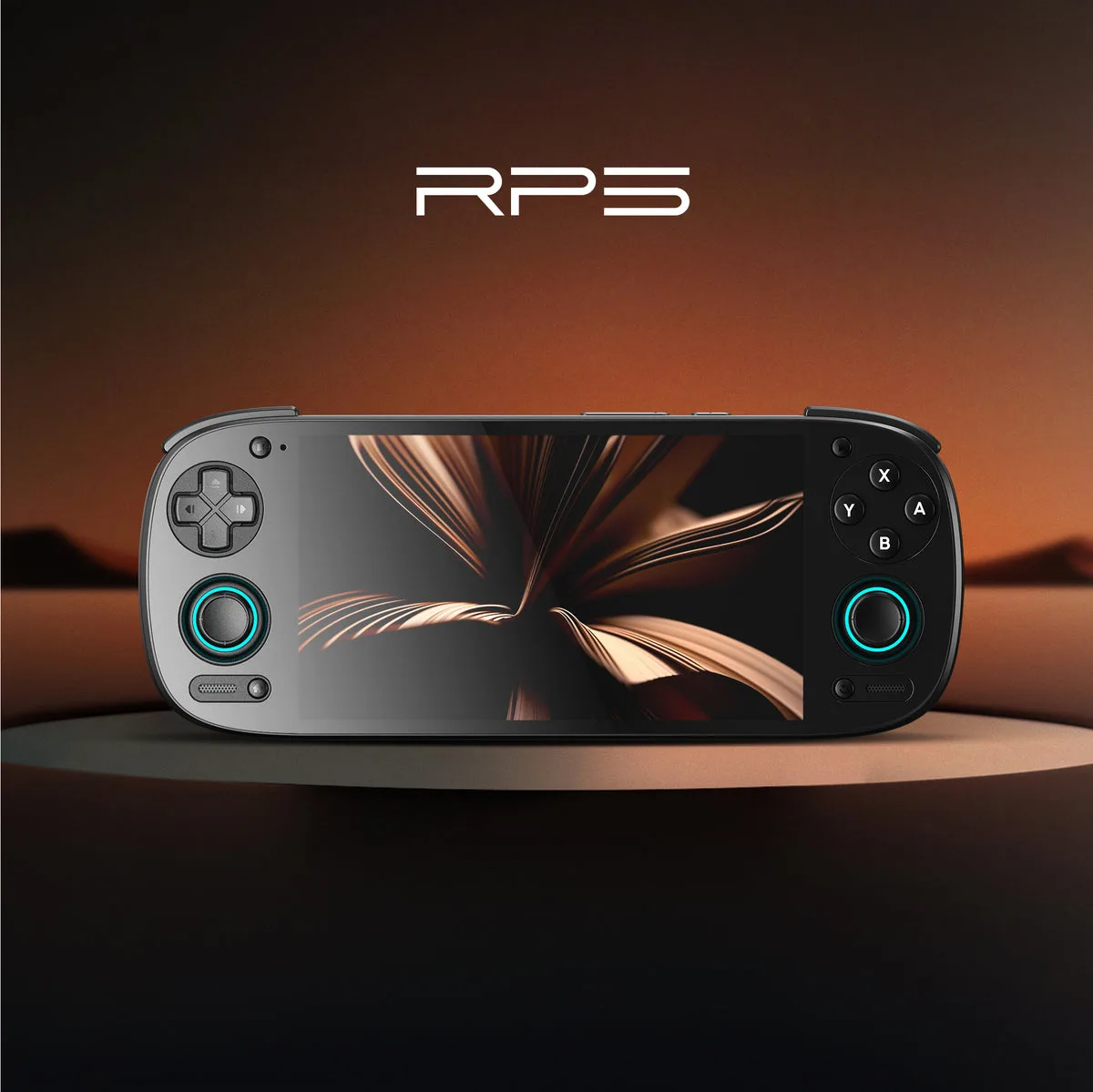
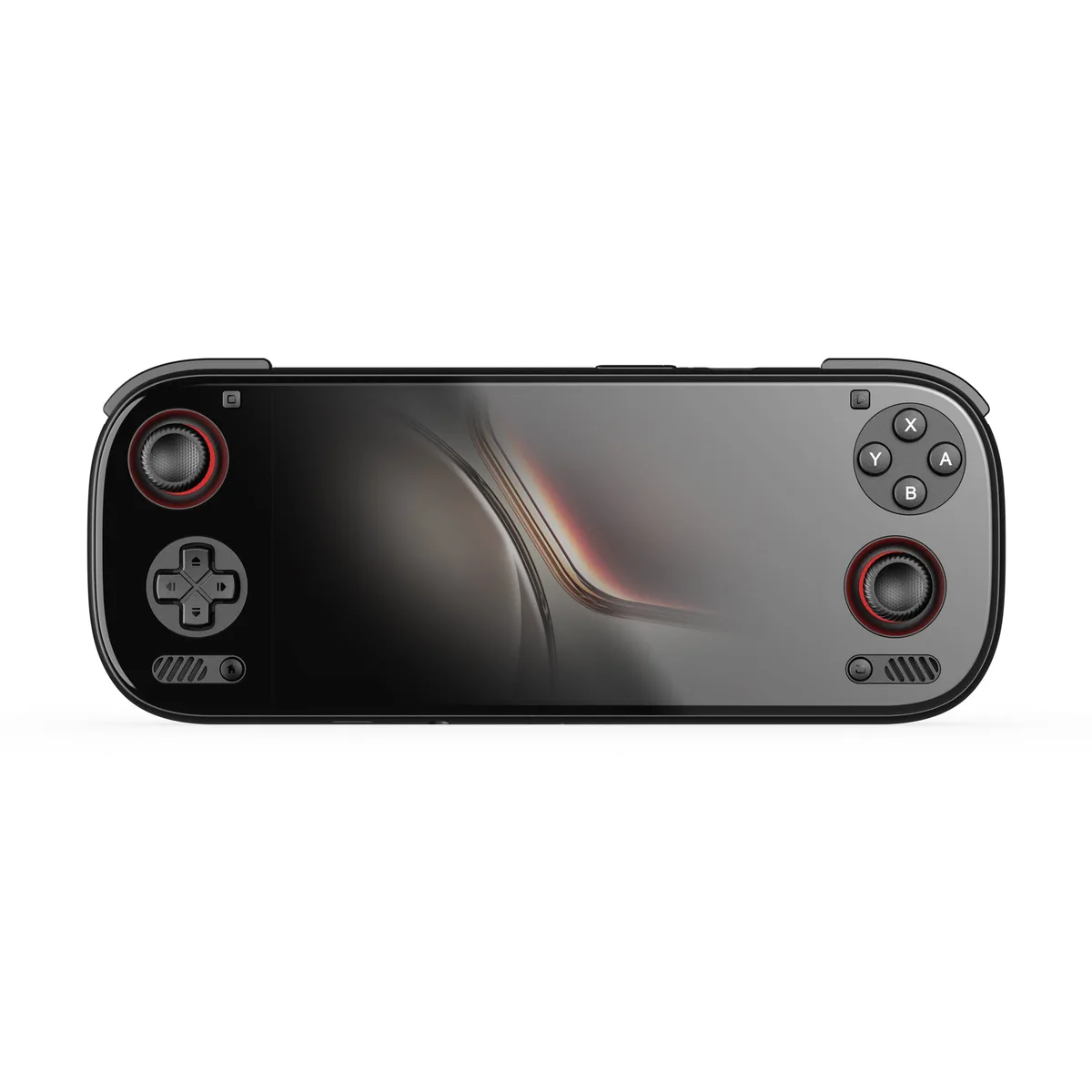
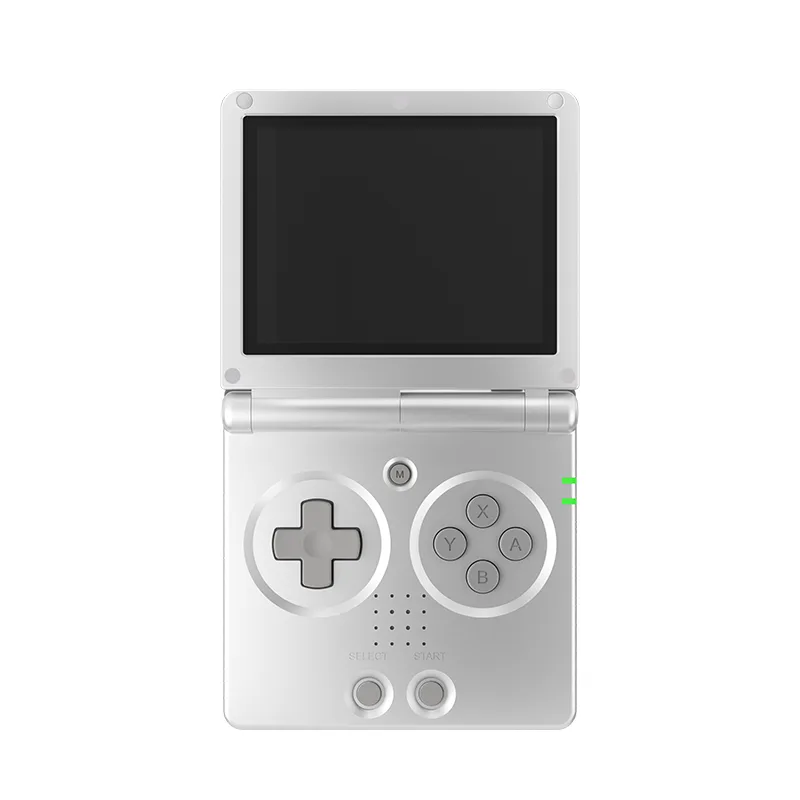
- Android handhelds: check the Bluetooth version on the maker page. The maker lists Bluetooth 5.1 for the Retroid Pocket 5 and 6.0 for the AYN Odin 3. Linux handhelds such as the Anbernic RG35XX SP list Bluetooth 4.2; our Android vs Linux guide covers how software support differs.
- Phones and tablets: Bluetooth pads suit any phone, but 8BitDo's Ultimate Mobile Gaming Controller lists Android 13.0 and above and Apple operating systems at 18.5 and above, so check version lists.
- PC: 2.4G and wired are the modes 8BitDo lists for Windows on its Ultimate 2 range; Bluetooth is listed there for Android and Apple.
How do you choose, step by step?
- Name the device you will play on, because the maker's per-platform line decides which modes exist.
- If the line offers 2.4G, check the box contents: the Ultimate 2 Wireless page lists a charging dock and 2.4G adapter, and the Ultimate 2 Bluetooth page lists the same.
- If only Bluetooth is listed for your platform, check the minimum operating system version, such as Android 13.0 and above on the Ultimate 2 Wireless.
- If battery matters, look for a capacity: the Ultimate 2 Wireless page states none, while the Pro 3 states 1000mAh and the Ultimate Mobile Gaming Controller states 300mAh and 13 play hours.
- Keep a USB cable in mind as the fallback mode on pads that list wired, since it needs no pairing.
What should you check before buying?
- Read the maker's per-platform table, not just the headline mode.
- Look for what is stated about battery capacity and charging, and treat a missing figure as unstated.
- Treat polling and latency numbers as claims made under the maker's own conditions.
- Prices are not covered here; the maker pages we cite state none, and UK prices are not checked yet.
Our research method explains why we cite only makers and standards bodies. For more on controllers see the controllers hub, the guides hub, and our explainer on stick sensor types.
Devices in this guide
AYN
Pre-orderAYN Odin 3
6 in Customized Full HD AMOLED touch screen, 120Hz OLED · 8000 mAh · Android 15
UK price not checked
Anbernic
Anbernic RG35XX SP
3.5 in IPS, full viewing angle, OCA full lamination · 3300 mAh · Linux 64-bit
UK price not checked
Frequently asked questions
- Is Bluetooth or 2.4G better for a game controller?
- Neither is better in general, because the makers tie each mode to a platform. Bluetooth is a standard, while 2.4G is a maker-specific mode, and 8BitDo's Ultimate 2 Wireless box lists a 2.4G adapter. 8BitDo lists 2.4G and wired for Windows and Bluetooth for Android on its Ultimate 2 Wireless, and the Pro 3 lists Bluetooth, 2.4G or wired for Switch. Pick the mode your device's line allows, then check the operating system version listed beside it. Maker pages publish no like-for-like comparison of the two modes.
- How far does a Bluetooth controller reach?
- The Bluetooth SIG says range is "More than a kilometer. Less than a meter", depending on radio spectrum, transmit power, receiver sensitivity, antenna gain and path loss. It adds that humidity, rain and materials such as glass, wood, metal and concrete weaken the signal. It gives no single figure for controllers, and the controller makers cited here state none either. For a pad used a metre or two from the screen, obstacles in the way matter more than any headline distance, so keep a clear line between pad and device.
- Does a wired controller need a battery?
- Not necessarily. A wired controller can take power over its cable, and the 8BitDo Ultimate 2C Wired page lists only Wired USB as its connection, with no battery figure. The USB-IF notes that USB Power Delivery means the direction of power is not fixed, so either side of a link can supply it. Wired pads that do carry a battery, such as the Pro 3 at 1000mAh, state it separately. If a page gives no capacity, treat it as unstated rather than assuming one is fitted.
- What is polling rate on a controller?
- It is how often the controller reports its state to the host, counted in reports per second. Dividing one second by the rate gives the gap between reports: 1000Hz is 1 ms, 250Hz is 4 ms and 125Hz is 8 ms. 8BitDo states 1000Hz over 2.4G and wired on the Ultimate 2 Wireless, noting it is ideal-environment data from its lab. A higher figure is a maker claim about report frequency, not a measured result for lag, and the Ultimate 3E page says its 1000Hz is PC only.
- Which connection works with a Windows PC?
- On the 8BitDo pages cited here, Windows is paired with 2.4G and wired modes. The Ultimate 2 Wireless, Pro 3 and Ultimate 3E list 2.4G or wired for Windows, and the Ultimate 3C+ lists 2.4 GHz wireless or USB-C wired. The Ultimate 2C Wired lists Wired USB with Windows 10 and above. The Windows version floor is Windows 10 (1903) on several of these pages, so check yours against the maker's list before buying.
Sources
- Bluetooth technology overview (Bluetooth SIG)
- Bluetooth range (Bluetooth SIG)
- Human Interface Device profile (Bluetooth SIG)
- USB Type-C specification (USB-IF)
- USB Power Delivery (USB-IF)
- USB HID (USB-IF)
- 8BitDo Ultimate 2 Wireless Controller (maker product page)
- 8BitDo Pro 3 (maker product page)
- Razer Kishi Ultra (maker product page)
- GameSir Tarantula 8K PC (maker product page)
- 8BitDo Ultimate 3E for Xbox (maker product page)
More from Controllers
Controllers
Mobile controllers: clip-on vs Bluetooth pads, as makers describe them
How clip-on phone controllers from Razer and GameSir differ from Bluetooth pads from 8BitDo on connection, charging, phone fit and software, from maker pages only.
7 min read
Controllers
8BitDo controllers compared: Ultimate, Pro, Lite and Micro ranges
A table of 17 8BitDo controllers with the figures the maker states, plus how to choose between the Ultimate, Pro, Lite, Micro and wired ranges.
7 min read
Controllers
Best controllers for retro handhelds and phones: six picks
Six phone and handheld controllers from 8BitDo, Razer and GameSir, picked from what each maker states about connection, battery, compatibility and features.
10 min read