Mobile controllers: clip-on vs Bluetooth pads, as makers describe them
How clip-on phone controllers from Razer and GameSir differ from Bluetooth pads from 8BitDo on connection, charging, phone fit and software, from maker pages only.
By Sepehr Sabbagh-pourPublished 16 Oct 2026Updated 9 Nov 20267 min read
A clip-on controller grips your phone and plugs into its charging port; a Bluetooth pad connects wirelessly and has its own battery. The choice comes down to connection, charging, phone fit and the platforms the maker lists. This guide compares Razer, GameSir and 8BitDo pages and reports stated figures only.
What is a clip-on mobile controller?
It is a controller with controls on each side of the phone and a bridge that stretches to hold it. Razer's Kishi Ultra describes a "direct low-latency USB C connection". The Kishi V2 uses a direct USB-C connection on Android and a direct Lightning connection on iPhone. GameSir's X5 Lite page says there is "No complex pairing or setup required. Plug it in and start playing instantly", and describes the controller as officially licensed by Xbox and MFi certified. The USB-IF describes the USB-C connector as slim, reversible and tailored to mobile device designs, with scalable power (USB Type-C specification).
What is a Bluetooth mobile pad?
It connects over Bluetooth, which the Bluetooth SIG describes as using the 2.4 GHz band with either a Classic radio on 79 channels or a Low Energy radio on 40 (Bluetooth technology overview). 8BitDo's Ultimate Mobile Gaming Controller lists Bluetooth as its connection and says it fits mobile devices from 100 to 170mm long. Smaller Bluetooth pads, such as the 8BitDo Micro, list no phone fit at all, so you would be holding the phone separately. Our guide to Bluetooth vs 2.4G vs wired covers the connection types in more depth.
How do the two types compare on stated figures?
| Type and example | Connection stated | Power stated | Phone fit stated |
|---|---|---|---|
| Clip-on: Razer Kishi Ultra | Direct USB-C | 15 W passthrough charging; battery not stated | iPhone 15 and 16 series, iPad mini, Android 12+, Android tablets up to 8 inches |
| Clip-on: Razer Kishi V2 | Direct USB-C (Android) or Lightning (iPhone) | Passthrough charging; battery not stated | Page says the bridge holds modern smartphone models; no lengths stated |
| Clip-on: GameSir X5 Lite | Plug-in; connection type not stated | Pass-through charging; battery not stated | Up to 213mm |
| Clip-on: GameSir G8 Plus | Not stated | Not stated | 110 to 215mm, phones, tablets and Switch |
| Wired flip: 8BitDo FlipPad | Wired USB-C | Not stated | Phones 8 to 10mm thick; cases up to 2mm |
| Bluetooth: 8BitDo Ultimate Mobile | Bluetooth | 300mAh, 13 play hours | 100 to 170mm long |
Do clip-ons charge your phone?
Several do. Razer states passthrough charging on the Kishi V2 and 15 W on the Kishi Ultra, and GameSir lists pass-through charging on the X5 Lite. The USB-IF notes in its Power Delivery material that power direction is no longer fixed and a device can take only the power it requires (USB Power Delivery). That is background; the pages above give the controller-specific figures. A Bluetooth pad has its own battery instead, which is why 8BitDo states 300mAh and 13 play hours: you charge it separately from the phone.
Will it fit my phone?
Fit statements vary in kind. The Kishi Ultra lists named device families and a tablet size limit. The Kishi V2 says its bridge is extendable, with no lengths. GameSir lists a stretch range of 110 to 215mm for the G8 Plus and "up to 213mm" for the X5 Lite, which it says reaches an iPad mini. The FlipPad page recommends phones 8 to 10mm thick and says it is not compatible with cases over 2mm thick. The Ultimate Mobile page gives 100 to 170mm in length. A case can change thickness and length, so compare the figures with your phone in its case, and note that some makers state nothing about cases.
What else do the maker pages list?
Beyond the connection, the pages describe controls and extras that differ more than the headline suggests.
| Model | Triggers stated | Sticks stated | Extras stated | Weight |
|---|---|---|---|---|
| Razer Kishi Ultra | Full-sized Hall Effect triggers with extra bumpers | Full-sized, medical-grade rubber, anti-friction rings | 3.5 mm headset plug; Razer Nexus app; Chroma RGB; up to 1 year of warranty | Not stated |
| Razer Kishi V2 | Analog triggers; microswitch buttons | Not stated | Programmable macros; Nexus app; up to 1 year of warranty | Not stated |
| GameSir X5 Lite | Hall Effect analog triggers | Hall Effect | GameSir app on iOS and Android; Xbox licensed, MFi certified | 145g (see note below) |
| 8BitDo Ultimate Mobile | Hall Effect | Hall Effect, metal rings | Two back paddles; Ultimate Software V2; USB cable in box | 236g |
| 8BitDo FlipPad | Not stated | Not stated (D-pad and ABXY listed) | Hinge rated over 6,000 open/close cycles; USB-C port rated over 10,000 insertions | 31.5g |
The weights need care. GameSir's 145g appears in a sentence that says the controller "combined with your phone is lighter than most handheld consoles", so it is unclear whether the figure includes a phone, and the comparison has no figures behind it. The 8BitDo Ultimate Mobile Gaming Controller at 236g is a separate pad with its own battery, and measures 198.0 x 103.0 x 53.5mm. The FlipPad measures 70 x 66.5 x 19.7mm and weighs 31.5g, and its page states no battery and no sticks.
How do you check the fit with a worked example?
Take a hypothetical phone 160mm long. The 8BitDo Ultimate Mobile page states 100 to 170mm, so the phone sits inside the range with 10mm to spare. GameSir's X5 Lite states up to 213mm, which leaves 53mm of headroom on the same phone, and the G8 Plus lists 110 to 215mm. Razer's Kishi V2 gives no length, so the same sum cannot be done and you would need to read its compatibility list instead. Now add a case: if the case adds length, subtract it from the headroom before you decide. For the FlipPad the sum is about thickness, and the page recommends 8 to 10mm phones with no case over 2mm. Size your phone in its case, not bare.
Where do Bluetooth pads do better?
Reasoning from the stated pages, the Bluetooth route has three advantages that clip-ons cannot match on paper. First, the 8BitDo page lists Apple operating systems at 18.5 and above and Android 13.0 and above for one pad, not a phone model list, so the same controller is not tied to one port. Second, the pad has a stated battery of its own, 300mAh with 13 play hours and 1.5 hours of charging, so it does not draw on the phone while you play. Third, the pad can come off the phone if you want a different grip. The cost is that you now charge two things, and the page states no passthrough charging.
Where do clip-ons do better?
A clip-on removes the pairing step and, on the Razer and GameSir pages, passes power to the phone. The GameSir X5 Lite is described as plug in and play, and the Razer Kishi V2 page describes keeping a USB-C phone powered by plugging its cable into the controller. The Kishi Ultra adds a 3.5 mm headset connection, which the page describes as lag-free audio, a maker claim without a figure. The trade is port dependence: the Kishi V2 offers separate USB-C and Lightning connections, and the Kishi Ultra page lists device families by name, so a phone outside those lists is outside what the maker states.
Which platforms does each support?
Razer lists direct connections for Android and iPhone, PC and iPad over USB-C, and says Virtual Controller Mode is Android only, Sensa HD Haptics need Android 12 or Windows 11 and are not supported on iOS, and the Android Kishi V2 supports iPhone 15 gameplay but not Razer Nexus on iOS. 8BitDo's Ultimate Mobile page lists Android 13.0 and above and recent Apple operating systems at 18.5 and above, and the FlipPad lists iOS 26.2 and above and Android 13.0 and above. GameSir's X5 Lite page links a GameSir app for iOS and Android to personalise settings. Platform limits like these are often the deciding factor.
What do the maker pages say about price?
Razer and 8BitDo pages cited here show no price. GameSir's store collection page lists $49.99 for the X5 Lite for Xbox Fortnite Edition and $89.99 for the G8 Plus Fortnite Edition (checked Oct 2026). These are the maker's own listings in dollars, not converted, and UK prices are not checked yet.
Which should you choose?
- Clip-on: suits you if you want charging while you play and no pairing, and your phone matches the maker's list. Check the port: USB-C or Lightning.
- Bluetooth pad: suits you if you want one controller for several devices or a different grip, accepting a battery to charge.
- Wired flip pad: the FlipPad is the lightest option here at 31.5g, but states no battery and needs a USB-C phone in the thickness range.
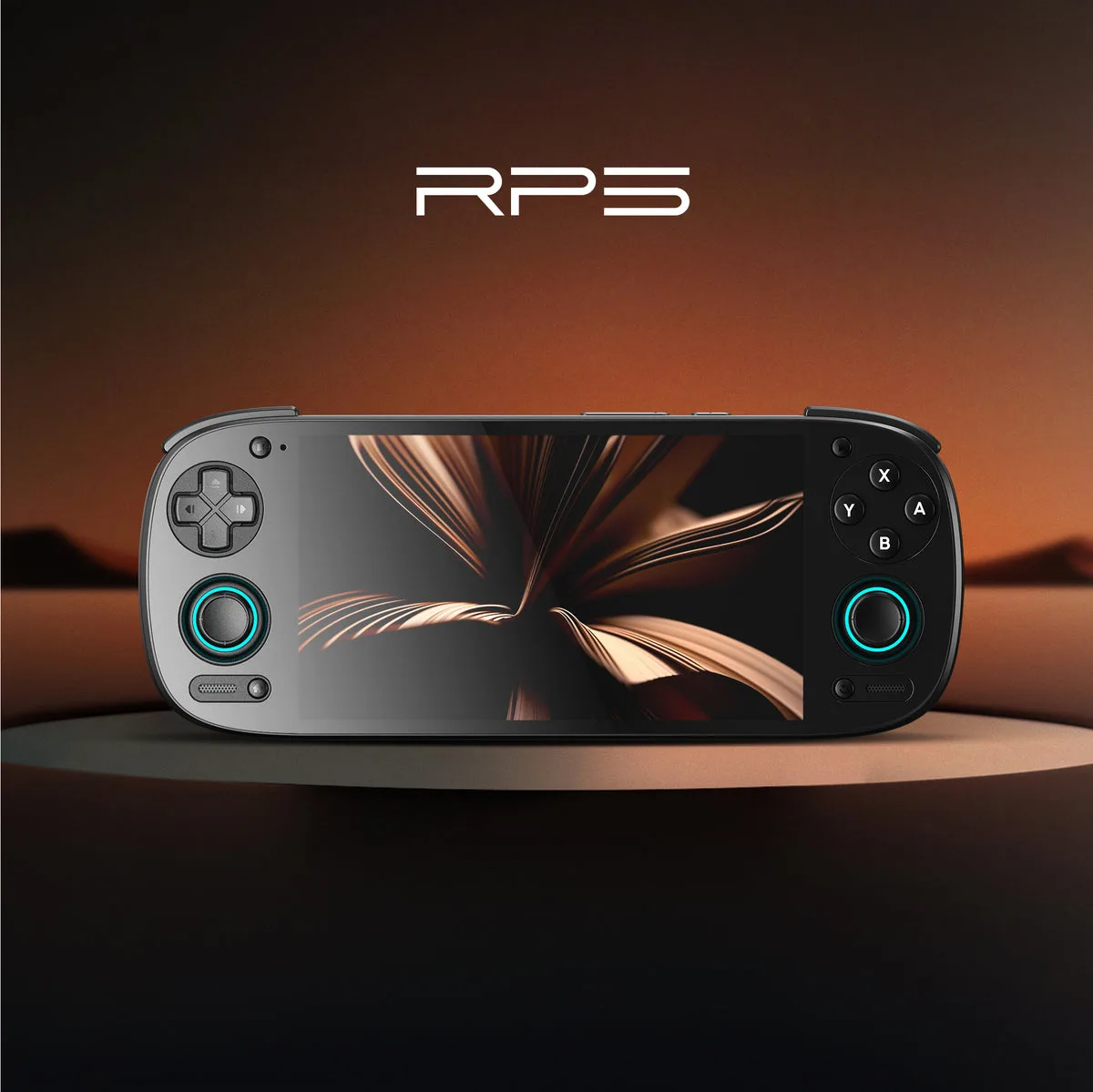
Our best controllers guide sets out six picks, the 8BitDo range table covers the Bluetooth side, and the stick sensor guide covers sticks. Browse the controllers hub and guides, and see how we research. If you game on an Android handheld such as the Retroid Pocket 5, our Android vs Linux guide is the better starting point.
Devices in this guide
Frequently asked questions
- Are clip-on controllers better than Bluetooth controllers?
- Neither is better in general; they solve different problems. Razer and GameSir clip-ons plug in directly and state passthrough charging, so the phone stays powered while you play. Bluetooth pads such as the 8BitDo Ultimate Mobile Gaming Controller carry a 300mAh battery of their own, stated at 13 play hours, and are not tied to one port. The pages publish no latency comparison between the two types, so choose by phone fit, port, platform and whether you want to charge a second device.
- Do clip-on controllers need Bluetooth pairing?
- Not on the pages cited. The GameSir X5 Lite page says no complex pairing or setup is required and to plug it in. Razer describes direct USB-C and Lightning connections for the Kishi range, and says these eliminate input latency, a claim without a number. Bluetooth pads need pairing under the standard the Bluetooth SIG describes, using a Classic or Low Energy radio on the 2.4 GHz band. If you dislike pairing, a direct connection removes it, at the cost of depending on your phone's port.
- Will a mobile controller fit a phone with a case?
- It depends on the maker, and the pages vary in how much they say. The 8BitDo FlipPad page says it is not compatible with cases over 2mm thick and recommends phones 8 to 10mm thick. Razer says the Kishi Ultra is compatible with many popular phone cases but names none, and the Kishi V2 page states nothing on cases. GameSir states stretch ranges, up to 213mm for the X5 Lite. Measure your phone in its case and compare it with the stated range before buying.
- Does the Razer Kishi work with iPhone?
- Razer lists a direct Lightning connection for the Kishi V2 on iPhone, and its page also lists USB-C for iPhone 15 and Android. The Kishi Ultra page lists the iPhone 15 and 16 families over USB-C, and Android 12 or higher. The Kishi V2 page says the Android version supports iPhone 15 gameplay but is not compatible with Razer Nexus on iOS. Sensa HD Haptics on the Ultra need Android 12 or Windows 11 and are not supported on iOS.
- Do clip-on controllers charge your phone while you play?
- Several pages say so. Razer states 15 W passthrough charging on the Kishi Ultra and passthrough charging on the Kishi V2, which you use by plugging a charging cable into the controller. GameSir lists pass-through charging on the X5 Lite. None of the cited pages states a battery capacity for these clip-ons, and the 8BitDo Ultimate Mobile Gaming Controller, which is Bluetooth, states no passthrough charging. If charging while you play matters, a clip-on is the type the pages support.
Sources
- Razer Kishi Ultra (maker product page)
- Razer Kishi V2 (maker product page)
- GameSir X5 Lite for Xbox Fortnite Edition (maker product page)
- GameSir mobile controllers (maker store)
- 8BitDo Ultimate Mobile Gaming Controller (maker product page)
- 8BitDo FlipPad (maker product page)
- Bluetooth technology overview (Bluetooth SIG)
- USB Type-C specification (USB-IF)
- USB Power Delivery (USB-IF)
- GameSir G8 Plus Fortnite Edition (maker product page)
More from Controllers
Controllers
8BitDo controllers compared: Ultimate, Pro, Lite and Micro ranges
A table of 17 8BitDo controllers with the figures the maker states, plus how to choose between the Ultimate, Pro, Lite, Micro and wired ranges.
7 min read
Controllers
Best controllers for retro handhelds and phones: six picks
Six phone and handheld controllers from 8BitDo, Razer and GameSir, picked from what each maker states about connection, battery, compatibility and features.
10 min read
Controllers
Hall effect vs potentiometer vs TMR sticks: what makers say
What 8BitDo, GameSir and Razer actually say on their own pages about Hall effect, TMR and potentiometer sticks, and where those pages stay silent on drift.
8 min read