Handheld docks and TV output explained: USB-C, DisplayPort and HDMI
How retro handhelds output video to a TV, what makers state about USB-C DisplayPort and HDMI, and what the docks they sell list.
By Sepehr Sabbagh-pourPublished 16 Oct 2026Updated 9 Nov 20268 min read

A dock only helps if the handheld itself states video output. Retroid, AYN, AYANEO and Anbernic each name it for specific models, from 1080p over USB-C to 4Kp60 DisplayPort, while several pages say only "HD connection to TV". This guide sets out what each maker states and what stays unstated.
A handheld reaches a TV in one of three ways: a USB-C port that carries a DisplayPort video signal, a dedicated HDMI-style output, or a maker's dock that takes the handheld's port and gives you an HDMI socket. Which one a device has is a maker decision, and the wording on product pages is inconsistent. Dock prices below are the maker's own listing, with no conversion.
How does a handheld send video over USB-C?
Some USB-C ports carry more than data and power: they can carry a video signal too. AYN's Odin 3 page labels this "DisplayPort 4Kp60 Alt Mode". AYANEO's Pocket S lists a USB 3.2 Gen 2 Type-C port that "Supports DP 1.4 video output" at up to 10Gbps, and 10Gbps is one of the three USB 3.2 rates that usb.org names (20Gbps, 10Gbps and 5Gbps). Retroid says the Pocket 5 outputs 1080p over USB-C (DisplayPort), and Anbernic states that the RG556's Type-C port supports 1080p DisplayPort output.
The USB-IF pages cited here do not define DisplayPort Alt Mode, so the term comes from the makers. USB-IF's USB4 page notes only that the Type-C connector "has evolved into the role as the external display port of many host products". The practical reading is narrow: a USB-C port is not guaranteed to output video, so the product page needs to say so.
What video output do makers state?
| Device | Stated video output |
|---|---|
| AYN Odin 3 | DisplayPort 4Kp60 Alt Mode |
| AYANEO Pocket S | USB 3.2 Gen 2 Type-C, DP 1.4 video output |
| Retroid Pocket 5 | 1080p over USB-C (DisplayPort) |
| Retroid Pocket 4 Pro | 1080P over Type-C; HDMI 720P |
| Anbernic RG556 | USB Type-C, 1080p DisplayPort output |
| Analogue Pocket | Via the Analogue Dock: 1080p HDMI output |
| Anbernic RG35XX SP, RG40XX H, RG34XXSP | "HD connection to TV"; port and resolution not stated |
| Powkiddy RGB30 | TV HD output listed among its ports |
| AYN Odin2 Portal | DisplayPort 4Kp60 |
| Miyoo Flip V2 | HDMI output |
| Lenovo Legion Go | Two USB4 40Gbps ports with DisplayPort 1.4 |
| ModRetro Chromatic | USB-C video out to PC, Mac or Oculus Quest (not a TV) |
Anbernic's RG35XX SP page lists "HD connection to TV" under "Other function" and nothing about the socket, so a buyer cannot tell from that page which cable it needs. The Retroid Pocket 6 and Classic pages do not state any video output in their page text, so we make no claim for them. The figures for the Odin 3, Pocket 5 and Pocket 4 Pro come from the maker listings recorded for those devices, some in spec images.
What do the docks list?
Three makers sell a dock we can source. They differ in how much detail the page gives.
| Dock | Stated ports and output | Stated compatibility | Maker's listed price |
|---|---|---|---|
| Retroid Official Dock | 7-in-1: PD charging, HDMI up to 4K@60, Gigabit LAN, 2 x USB 3.0, 2 x USB 2.0 | Fully compatible with RP Nova, RP6, RP5 and RP4 Pro; partial for RP4 (no HDMI); RPMINI not compatible | $29.90 (checked Oct 2026), shown sold out |
| AYN Odin 2 Super Dock | No ports or output listed on the page | "Fully compatible" with Odin 2 and Odin 2 Portal | $48.00 (checked Oct 2026), shown as backordered |
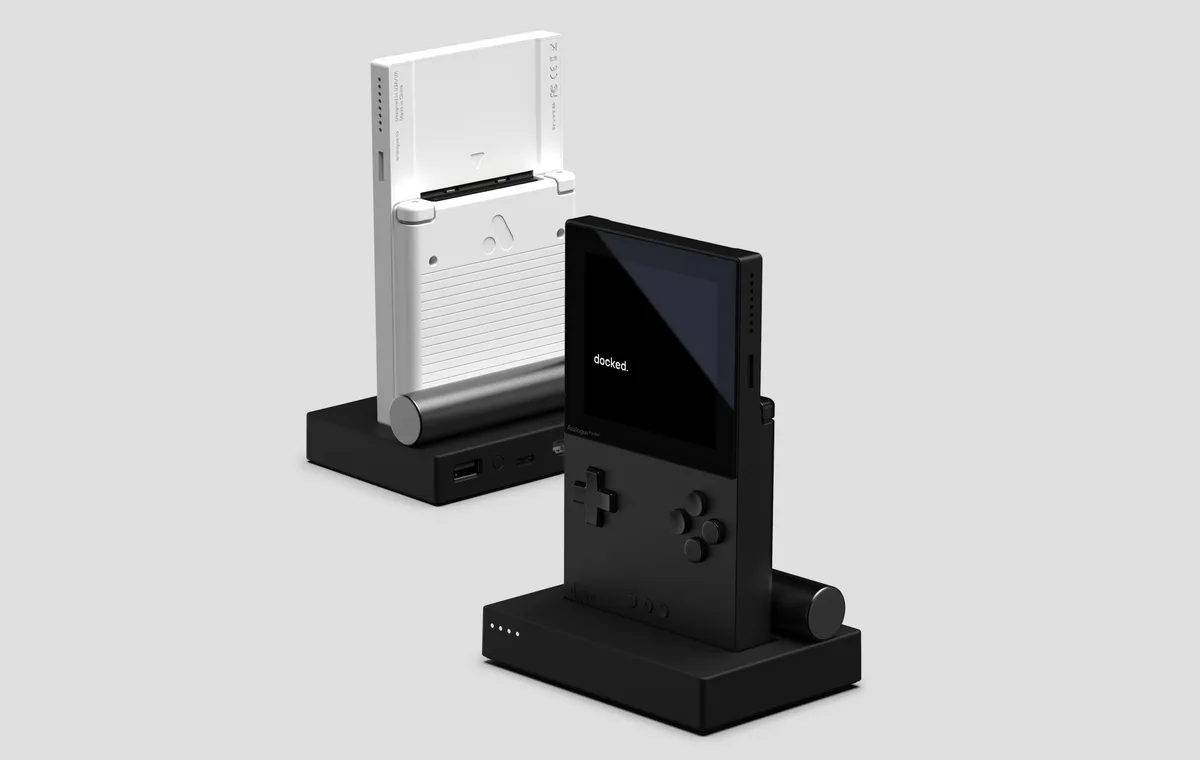
| Analogue Dock | 1080p HDMI output, 2 USB inputs for wired controllers, Bluetooth and 2.4G for wireless controllers | Analogue Pocket | Not stated; the page lists the dock as out of stock |
Retroid's dock page says the HDMI output is "up to 4K@60" without naming an HDMI version, and lists PD charging with no wattage, so the page does not tell you how much power it passes to the handheld. It also lists a Pocket 4 as having no HDMI support through the dock, which is a reminder that a dock's HDMI depends on the handheld's port as well. AYN's Super Dock page lists only the Odin 2 family, so the page gives no basis for using it with the Odin 3, which is a different model.
Two stated figures can apply at once. Retroid's dock lists HDMI up to 4K@60, while its Pocket 5 page lists 1080p over USB-C. The dock page does not say which figure governs the picture, so treat the lower, handheld-side figure as the one the maker commits to.
What does a stated resolution mean on a TV?
A resolution figure is a count of pixels, and the counts differ a lot. 1080p is 1920 x 1080, or 2,073,600 pixels. 4K, at 3840 x 2160, is 8,294,400, four times as many. So a maker that states 4Kp60 for the Odin 3 and one that states 1080p for the Pocket 5 are describing signals of very different size, and the "p60" part is the refresh rate in frames per second. The gap matters in one direction only: a 1080p source on a 4K television is scaled up by the TV, and nothing on the maker pages says how that looks.
The two-figure problem from the dock section repeats here. A dock's HDMI figure is a ceiling that depends on the handheld feeding it. Retroid's dock lists HDMI up to 4K@60, but the Pocket 5 states 1080p over USB-C, so a 4K television connected through that pairing is still fed from a handheld that states 1080p. The Odin 3 states 4Kp60 and the Anbernic RG556 states 1080p, so the two handhelds state different ceilings for the same television.
What do the Retroid dock cautions say?
Retroid's dock page has more compatibility detail than the other dock pages cited here, and it is worth reading line by line. It rates the Retroid Pocket models like this: RP Nova, RP6, RP5 and RP4 Pro "fully compatible", RP4 "partial compatible (no HDMI support)", RP3+ "partial compatible", RP3 "charge only", RPMINI "not compatible" and RP2, 2S and 2+ "not applicable". For the RP3+, the page adds that the two USB 3.0 ports drop to USB 2.0 speeds, and warns against applying external power if you want the four USB ports or the network port to work while the RP3+ runs on battery. With external power connected, those ports stop working and the dock only charges the handheld.
The lesson is wider than one dock: a compatibility list can hide several different outcomes, from full to charge-only, so read the exact word next to your model. The store page also shows "Sold out" beside an "Add to cart" button, so availability is unclear.
Which dock suits which handheld?
Reasoning only from the stated lists, the pairings look like this.
- Retroid Pocket 5, 6 or 4 Pro: the Retroid Official Dock lists all three as fully compatible. The Pocket 6 page itself states no video output in its page text, so the dock page is the only maker statement of TV use for that model.
- AYN Odin2 Portal: AYN lists the Super Dock as fully compatible and the Portal states DisplayPort 4Kp60, but the dock page lists no ports and no output, so what the dock outputs is not stated.
- AYN Odin 3: the handheld states DisplayPort 4Kp60 Alt Mode, but the Super Dock page does not name it, so neither maker supports that pairing in writing.
- Analogue Pocket: the Analogue Dock is the intended route, with 1080p HDMI and two USB inputs; Analogue states no dock price on its page.
- Miyoo Flip V2: the maker lists HDMI output, so the socket may need only a cable, but the page does not name the connector type.
On price, the figures are not comparable. AYN states USD for the Super Dock at $48.00, while Retroid shows $29.90 without naming a currency, and the two docks list very different amounts of detail. The listed difference is $18.10 on paper, but it should not be read as a like-for-like saving.
Do you need a dock, or will a cable do?
If your handheld states video over USB-C, a cable or adapter may be enough, and the maker's wording is the guide. Retroid sells a 1.5M Micro HDMI to HDMI cable that it says can stream audio and video from the Retroid Pocket to a TV or projector with an HDMI port, listed at $10.00 (checked Oct 2026) and shown sold out. That cable is for handhelds with a micro HDMI socket, so match it to your device's listing. The Pocket 4 Pro states both Type-C and HDMI 720P output.
A dock adds charging while you play, a wired network port on Retroid's dock, and extra USB ports for controllers. Whether a handheld works as a console on a TV is also about the software: see Android vs Linux retro handhelds for how the two families differ on controller and display handling.
What should you check before buying a dock?
- Does the handheld's own maker page state video output over USB-C, and at what resolution?
- Does the dock page list your exact model as compatible, not just the brand?
- Does it state an HDMI version or resolution, and a PD charging wattage?
- Is the cable length and connector type stated, if you are buying a cable instead?
- Is it in stock? Every dock and cable above showed as sold out, out of stock or backordered when checked, though the two Retroid pages also showed an add to cart button.
- Does the compatibility list say "fully", "partial" or "charge only" for your model? Retroid uses all three, and the difference decides whether HDMI works.
- Are there power-supply cautions? Retroid's RP3+ note says external power can disable the USB and network ports.
For the charging side of a dock, read USB-C charging for handhelds. For other add-ons see our best accessories list, the accessories hub and the guides hub. Everything here is research from maker pages and standards bodies; see how we research.
Devices in this guide
AYN
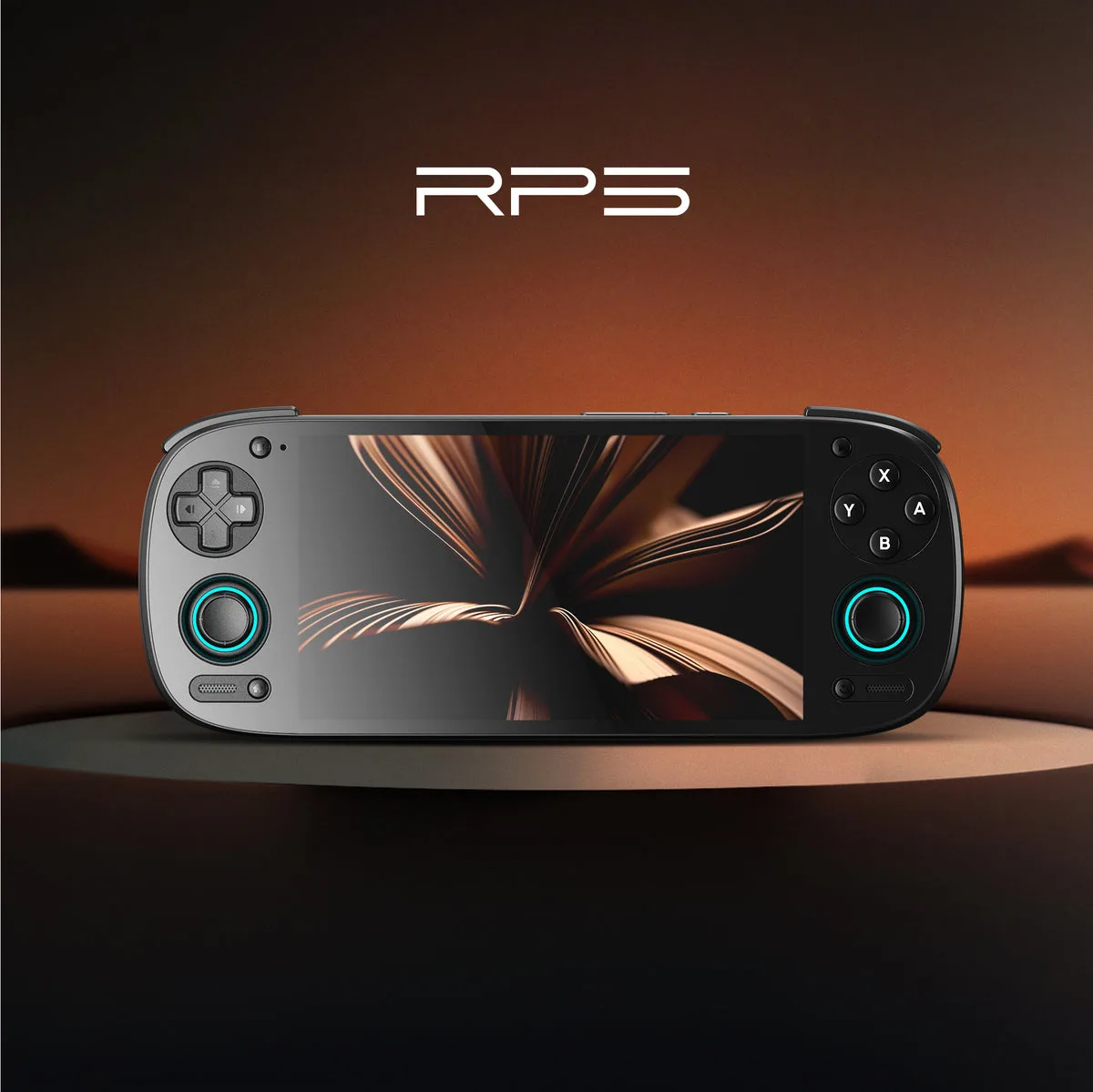
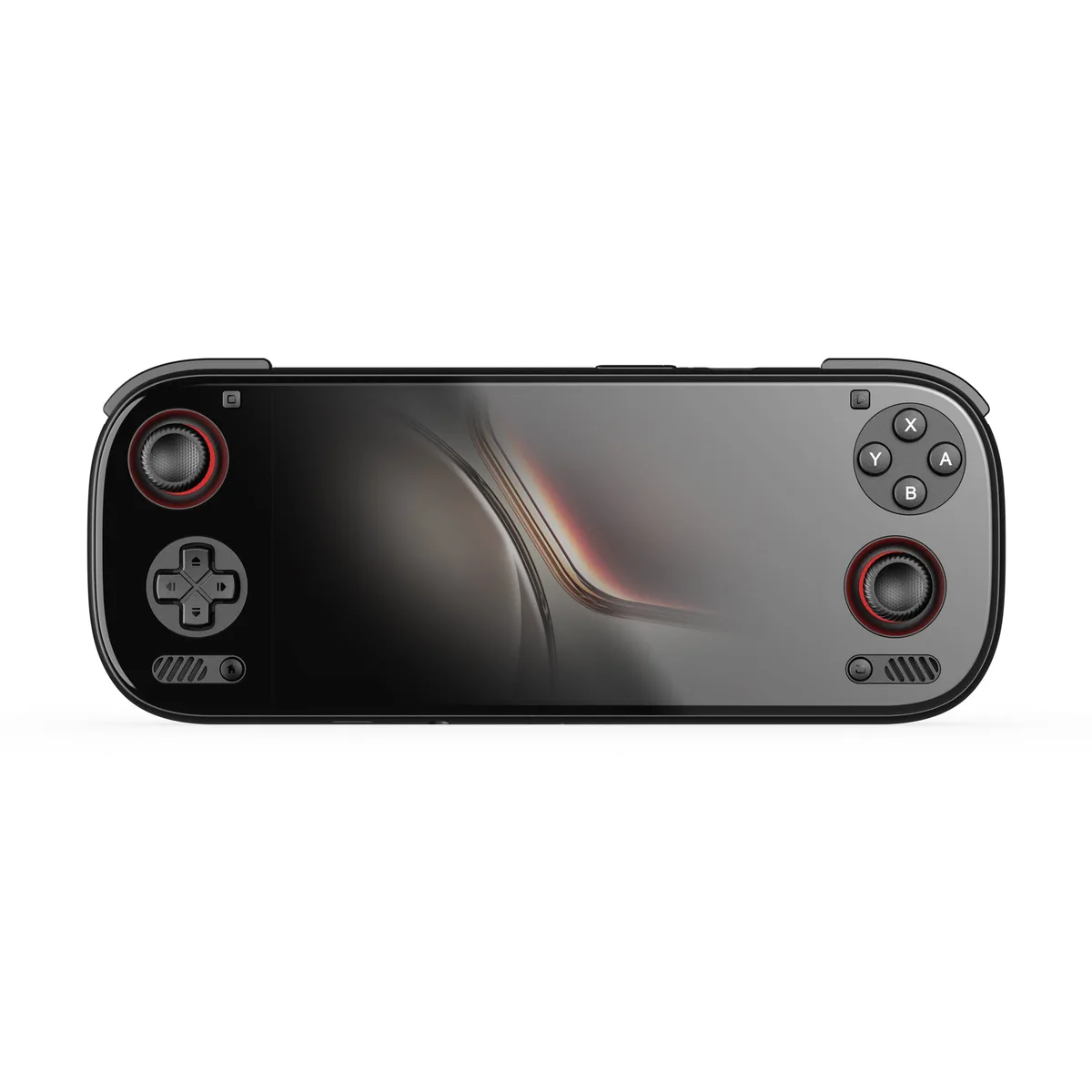
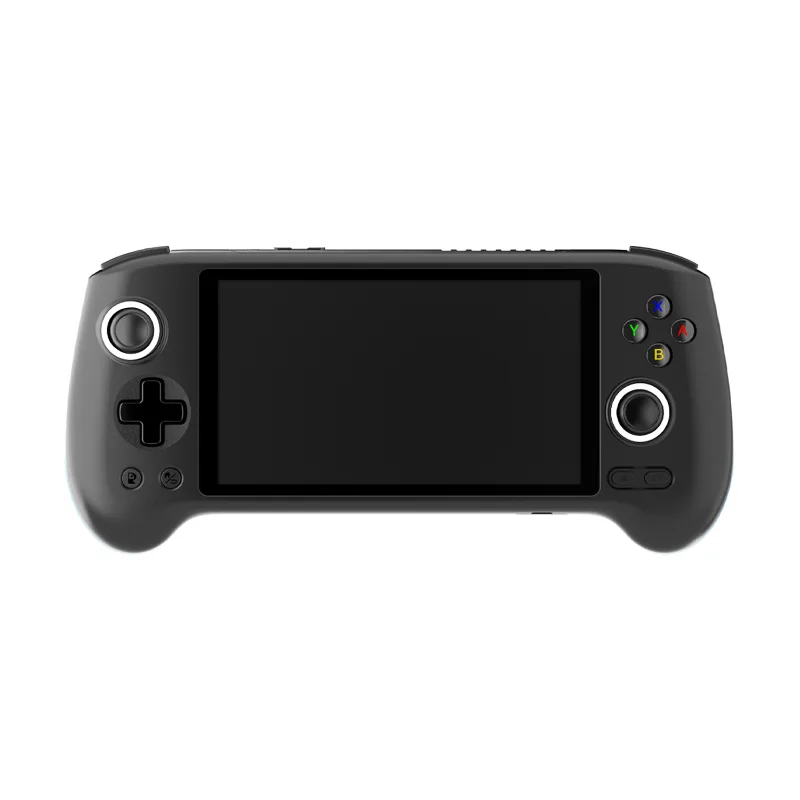
Pre-orderAYN Odin 3
6 in Customized Full HD AMOLED touch screen, 120Hz OLED · 8000 mAh · Android 15
UK price not checked
Frequently asked questions
- Does the Retroid Pocket 5 output video over USB-C?
- Retroid lists 1080p over USB-C (DisplayPort) for the Pocket 5. Its dock page also lists the Pocket 5 as fully compatible with the Retroid Official Dock, a 7-in-1 unit with one HDMI output stated up to 4K@60. The dock page does not say which figure governs the picture, so the handheld-side 1080p is the figure the maker commits to for the Pocket 5.
- What does the Analogue Dock output?
- Analogue lists 1080p HDMI output, two USB inputs for wired controllers, and Bluetooth and 2.4G support for wireless controllers. The dock is the stated route for putting the Analogue Pocket on a television. The page does not state a dock price and listed the dock as out of stock when checked, so check the page for the current price and availability before relying on it.
- Will the AYN Odin 2 Super Dock work with the Odin 3?
- AYN lists the dock as fully compatible with the Odin 2 and Odin 2 Portal and does not name the Odin 3, so the page does not support that pairing. The Odin 3 does state DisplayPort 4Kp60 Alt Mode on its own port, but the dock page lists no ports or output, so there is nothing stated to confirm the two work together. Ask AYN before buying.
- What does Alt Mode mean on a USB-C port?
- It is the label AYN uses for the Odin 3 port carrying DisplayPort video: the maker states DisplayPort 4Kp60 Alt Mode. The maker does not explain the term further and the USB-IF pages we cite do not define it, so rely on the maker's wording, and do not assume that a USB-C port on any handheld outputs video unless the product page says so.
- How much does the Retroid Official Dock cost?
- Retroid lists it at $29.90 in its store (checked Oct 2026), with the currency not named. The item showed as sold out at the time of checking, although the page also displayed an add to cart button, so availability is unclear. UK prices are not checked yet, so treat the figure as a guide to the maker's own pricing only, and look at the store page again before you plan a purchase.
Sources
- Retroid Official Dock (maker store)
- AYN Odin 2 Super Dock (maker store)
- Analogue Pocket and Dock (maker product page)
- AYANEO Pocket S (maker product page)
- Anbernic RG556 (maker product page)
- Anbernic RG35XX SP (maker product page)
- Retroid Micro HDMI to HDMI cable (maker store)
- USB 3.2 (USB-IF)
- USB4 (USB-IF)
More from Accessories
Accessories
Steam Deck dock explained: ports, outputs and what a hub needs
What Valve's Steam Deck Docking Station does, the ports and display outputs it lists, and what any third-party USB-C hub needs to match.
7 min read
Accessories
Power banks for handheld gaming: capacity, PD output and what to check
How to read power bank capacity and output against the battery and charging figures retro handheld makers state, with a note on travel.
7 min read
Accessories
Best accessories for retro handhelds: chargers, docks and cases
Six accessories chosen only from maker-listed specs: two chargers, two docks, a screen protector and a carrying case, with a comparison table.
8 min read