IPS vs OLED vs LCD retro handheld screens: stated labels and figures
Compares the IPS, OLED and LCD labels across 34 retro handhelds, with stated sizes and resolutions and pixel density worked out from the maker's figures. It does not explain how the panel types work.
By Sepehr Sabbagh-pourPublished 14 Oct 2026Updated 9 Nov 20267 min read

Retro handheld pages name a panel type (IPS, OLED or AMOLED, LCD) but the makers do not define it. This guide compares the stated size, resolution, brightness and refresh rate, with pixel density and shape worked out from them. Of the 34 retro handhelds in the catalogue, 22 say IPS, 9 say OLED or AMOLED and 2 say LCD.
The pages checked do not explain these labels. The RG34XXSP page words its screen as "IPS, full viewing angle, OCA full lamination" and gives no explanation, and the other makers do the same. Because we only state what we can source, this guide does not lecture on display physics.
Which panel types do catalogue devices name?
Across the 34 retro handhelds in the catalogue, the panel row reads as follows (as the makers word it):
- IPS: 22 devices. Twelve are Anbernic: all nine H700 models (RG28XX, RG34XX, RG34XXSP, RG35XX H, RG35XX Plus, RG35XX SP, RG40XX H, RG40XX V and RG CubeXX), plus the RG353V, RG DS and RG405M. The other ten are the Mangmi Air X, the Miyoo A30, Mini Plus and Flip V2, the Powkiddy V10, the ModRetro Chromatic, the three Trimui devices (Brick, Smart Pro and Smart Pro S) and the Ayaneo Pocket S ("borderless IPS mirror screen"). The only Anbernic model not on the list is the AMOLED RG556.
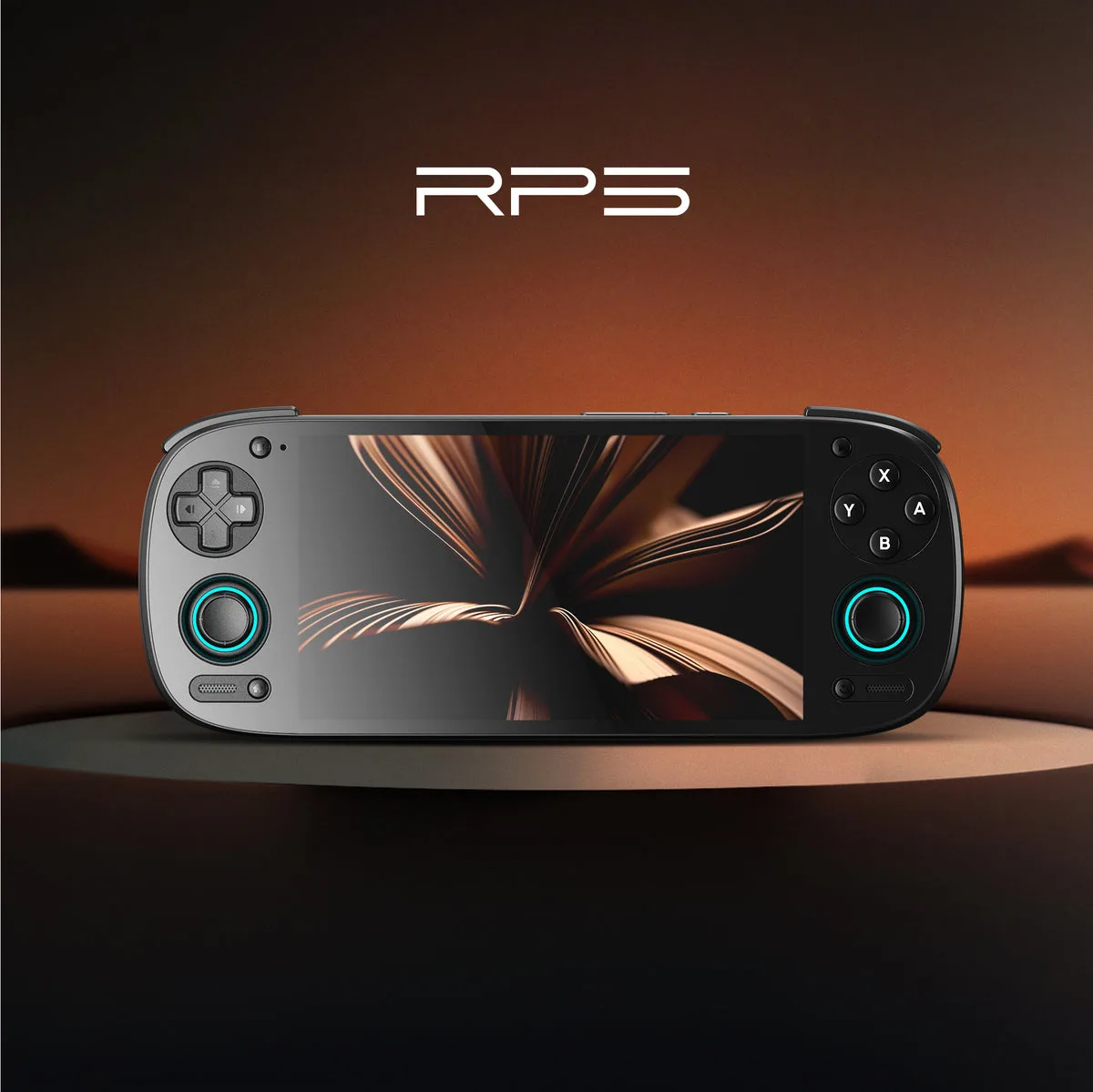
- OLED or AMOLED: 9 devices. These are the Anbernic RG556, Retroid Pocket 5, 6, Flip 2 and Classic, the AYN Thor, Odin 3 and Odin2 Portal, and the main screen of the Ayaneo Pocket DS.
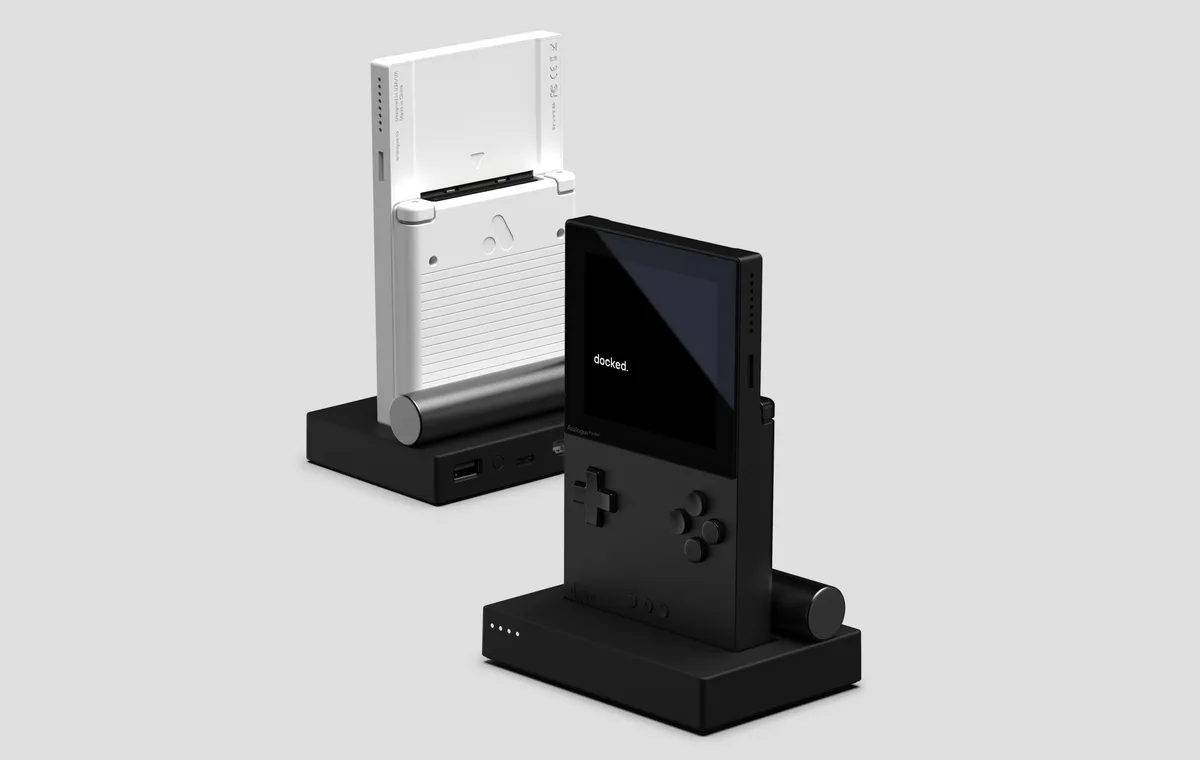
- LCD: 2 devices. The Analogue Pocket (the maker lists an LCD at 1600 x 1440 and 615 ppi) and the Powkiddy RGB30 ("1:1 LCD").
- Not stated: 1 device. The Retroid Pocket 4 Pro lists a 500 nit touchscreen with no panel type.
We record each label as the maker words it. We do not merge "IPS" and "LCD" into one group, because the pages do not say how the two relate, and the Ayaneo Pocket DS pairs a 7-inch OLED main screen with a 5-inch LCD secondary screen on the same device.
Does the panel label matter more than size and resolution?
From the pages alone, we cannot rank one label above another, so the better use of the label is as a filter alongside the figures that are stated. On a small screen those figures do a lot of the work. The table below combines each maker's stated size and resolution with a pixel density worked out by us. The calculation takes the stated size as the screen diagonal and divides the diagonal of the pixel grid by it, so treat the result as arithmetic, not a measurement. Where "1080p" is all the maker says, we assume 1920 x 1080.
| Device | Stated panel | Stated size | Stated resolution | Pixels per inch (our arithmetic) |
|---|---|---|---|---|
| Powkiddy V10 | IPS | 3.5 in | 480 x 320 | 165 |
| Anbernic RG405M | IPS | 4 in | 640 x 480 | 200 |
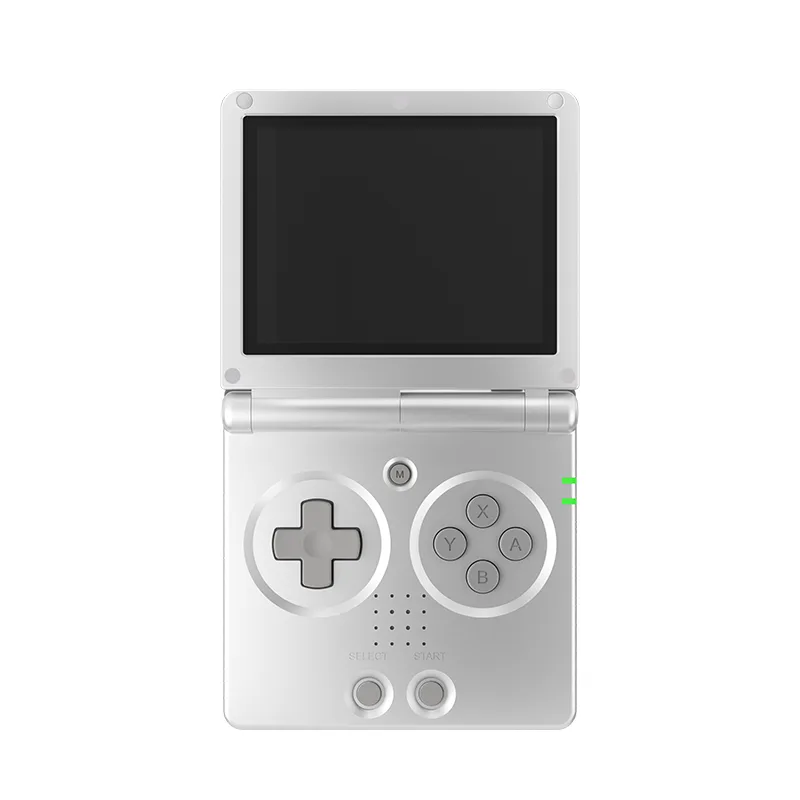
| Anbernic RG35XX SP | IPS | 3.5 in | 640 x 480 | 229 |
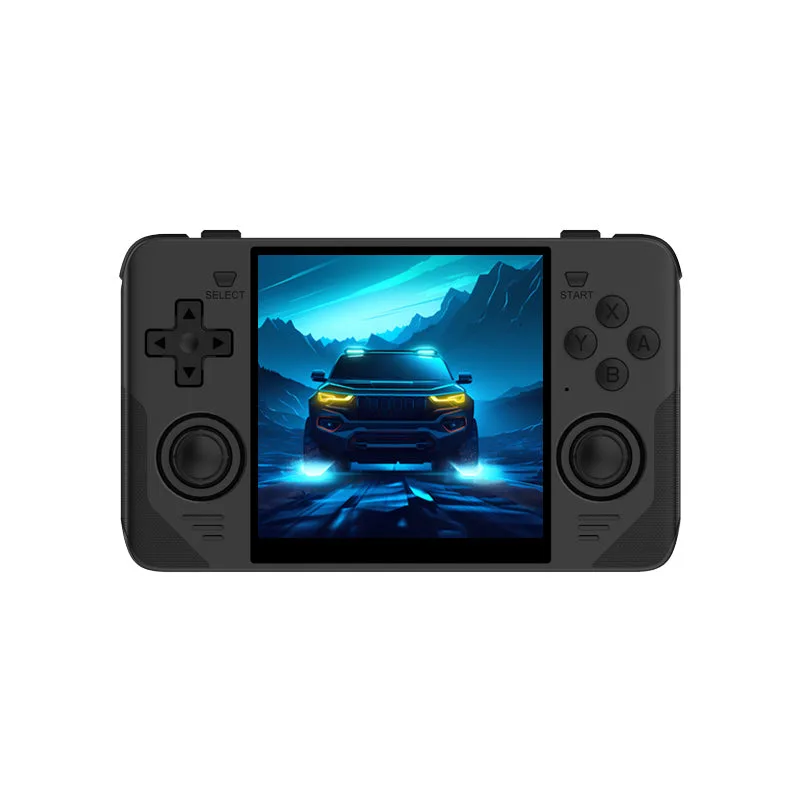
| Powkiddy RGB30 | LCD | 4 in | 720 x 720 | 255 |
| Anbernic RG CubeXX | IPS | 3.95 in | 720 x 720 | 258 |
| Retroid Pocket 4 Pro | Not stated | 4.7 in | 750 x 1334 | 326 |
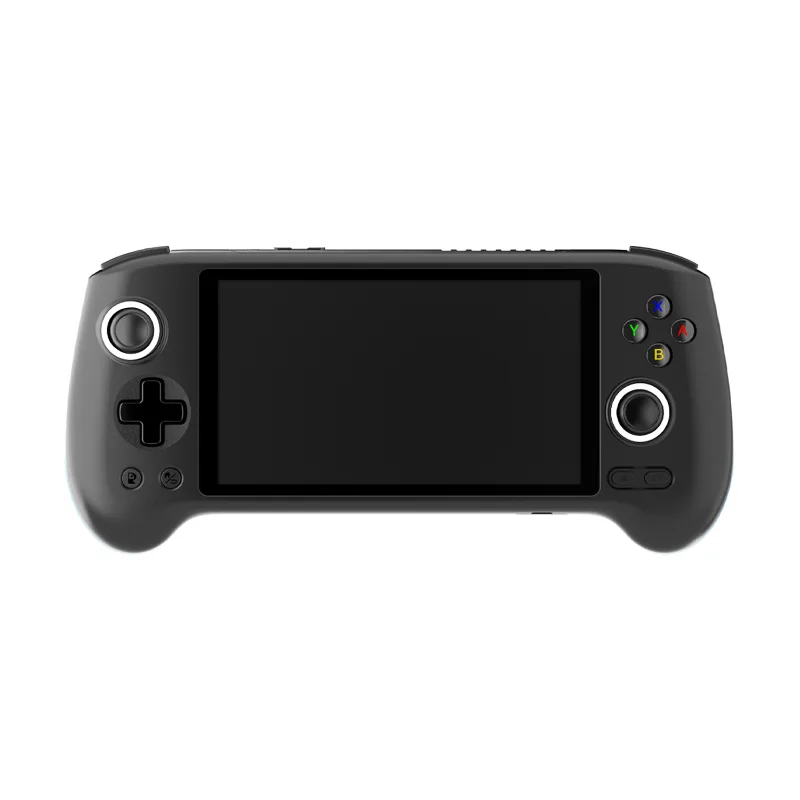
| Mangmi Air X | IPS | 5.5 in | 1920 x 1080 | 401 |
| Retroid Pocket 5 | AMOLED | 5.5 in | 1080p | About 401 |
| Anbernic RG556 | AMOLED | 5.48 in | 1080 x 1920 | 402 |
| Retroid Pocket Classic | AMOLED | 3.92 in | 1240 x 1080 | 419 |
| Analogue Pocket | LCD | 3.5 in | 1600 x 1440 | 615 (maker states 615 ppi) |
The point of the table is the spread. The RG405M and the RG35XX SP carry the same 640 x 480 grid, but the smaller screen packs it into a tighter space, which is why its worked-out figure is higher. A 3.5 inch screen with 1600 x 1440 pixels is a different category again, and the Analogue maker's own 615 ppi figure matches our arithmetic.
How does the screen shape change things?
The resolution also tells you the shape, and shape matters on a small display. A 640 x 480 grid is 4:3. The 720 x 720 screens on the RGB30 and the RG CubeXX are square (Anbernic lists a 1:1 ratio for the CubeXX). The RG556, Retroid Pocket 5 and Mangmi Air X are on 16:9 style grids.
Reasoning from stated figures only: a picture whose shape does not match the screen will not fill it, so a 4:3 grid is the natural match for 4:3 content and a wide grid leaves more room for widescreen content. The pages name no systems for most of these devices, so check the systems the maker names, then see how to read retro handheld specs for how the row works.
Worked example: 4:3 content on different screens
Resolution tells you how much of a screen a 4:3 picture fills. This is arithmetic from the stated grids, assuming the picture is shown at its own shape with no stretching. It is not a claim about how any device behaves.
| Screen | Stated grid | 4:3 picture size | Unused space |
|---|---|---|---|
| Anbernic RG35XX SP | 640 x 480 | 640 x 480 | None |
| Analogue Pocket | 1600 x 1440 | 1600 x 1200 | 120 px bar top and bottom |
| Powkiddy RGB30 | 720 x 720 | 720 x 540 | 90 px bar top and bottom |
| Retroid Pocket Classic | 1240 x 1080 | 1240 x 930 | 75 px bar top and bottom |
| Mangmi Air X | 1920 x 1080 | 1440 x 1080 | 240 px bar left and right |
On a 1920 x 1080 grid a 4:3 picture is 1440 pixels wide (1080 x 4 / 3), leaving 480 pixels, or 25 percent of the width, as bars. The same share is unused on the square 720 x 720 grid. So if your main systems are 4:3, a 640 x 480 or near-4:3 screen wastes nothing, while a wide 1080p screen trades unused width for a larger panel. If your main systems are widescreen, the reverse applies.
Who should skip what: a buyer who only wants 4:3 content has little reason to pay for a 1080p panel on shape alone, while a buyer who wants a large display for Android games has little reason to choose a 640 x 480 screen.
What brightness, colour and refresh figures do makers state?
Very few devices give any of these, which is itself useful to know before you compare panels.
- Brightness. Mangmi states 400 nits for the Air X, Retroid states 500 nits for the Pocket 4 Pro (and on the Pocket 5 spec image), and Ayaneo states 800 nits peak for the Pocket DS main screen. The AYN Odin2 Portal also lists 800 nits. Ayaneo's Pocket S page lists a 1920 x 1080 variant at 400 nits. Most other pages state no figure.
- Colour. Mangmi lists 100% sRGB. Ayaneo lists 150% sRGB and 90% DCI-P3 for the Pocket DS, and AYN lists 155% sRGB for the Odin2 Portal. The makers do not explain the terms, and we do not compare gamut figures across different maker pages.
- Refresh. Several pages that state it say 60 Hz, including the Mangmi Air X and Retroid Pocket 5. The AYN Odin 3, the Odin2 Portal and the Retroid Pocket 6 are listed at 120 Hz. Ayaneo lists a range up to 165 Hz for the Pocket DS.
A bigger number is not a verdict. A refresh rate listed on a page tells you what the screen accepts, not whether the games you want will use it, and no maker page explains that.
What about dual-screen and higher-resolution models?
Three catalogue devices change the question. The AYN Thor pairs a 6 inch AMOLED main screen with a 3.92 inch AMOLED touch display, and the maker lists the bottom screen as 1080 x 1240 at 60Hz. The Anbernic RG DS has two 4 inch IPS screens, each 640 x 480, with multi-touch and stylus support. The Ayaneo Pocket S lists both a 2560 x 1440 screen at 490 ppi and a 1920 x 1080 variant at 368 ppi, so check which version a store sells.
How should you choose between panel types?
- Start with the shape and the systems you care about, using the stated resolution.
- Then look at size. Over 5 inches the stated grids in our catalogue are 1080p or above; under 4 inches they are mostly 640 x 480 to 720 x 720, with the Analogue Pocket, the Retroid Pocket Classic, the Trimui Brick (1024 x 768), the Powkiddy V10 (480 x 320) and the ModRetro Chromatic (160 x 144) as exceptions.
- Use brightness and colour figures only where the maker gives them, and ignore the gap where it does not.
- Remember that price tracks more than the panel. A stated dollar price on a maker page is a store figure with a date, and UK prices are not checked yet.
For where the screen fits next to budget, systems, operating system and battery, work through how to choose a retro handheld, or browse the whole retro handheld catalogue.
Devices in this guide
Anbernic
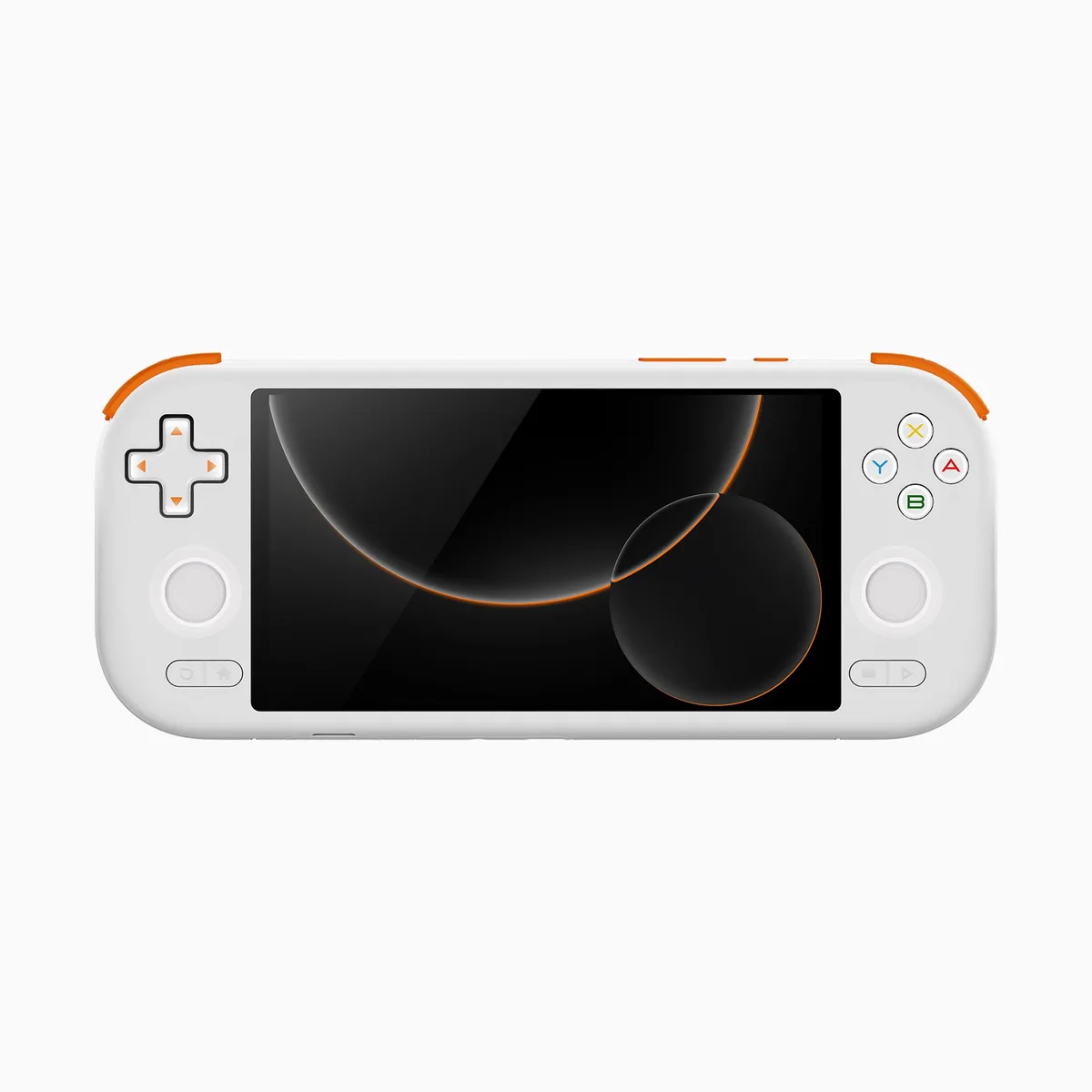
Anbernic RG35XX SP
3.5 in IPS, full viewing angle, OCA full lamination · 3300 mAh · Linux 64-bit
UK price not checked
Powkiddy
Sold outPowkiddy RGB30
4 in OCA full fit, 1:1 LCD · 4100 mAh · Various open source Linux
UK price not checked
Mangmi
Mangmi Air X
5.5 in IPS, 1920 x 1080 FHD, 400 nits, multi-touch · 5000 mAh · Android 14
UK price not checked
Frequently asked questions
- Which retro handhelds in the catalogue have OLED or AMOLED screens?
- Nine: the Anbernic RG556, Retroid Pocket 5, 6, Flip 2 and Classic, the AYN Thor, Odin 3 and Odin2 Portal, and the main screen of the Ayaneo Pocket DS. Each maker states an OLED or AMOLED panel on its product page. The Ayaneo Pocket DS pairs that 7 inch main screen with a 5 inch LCD secondary screen, and the Retroid Pocket 4 Pro states no panel type at all, so the count covers only devices where the label is printed.
- Do any catalogue handhelds use an LCD screen?
- Two makers use the plain label LCD: Analogue for the Analogue Pocket, a 3.5 inch screen at 1600 x 1440 and 615 ppi, and Powkiddy for the RGB30, a 720 x 720 1:1 screen. The Ayaneo Pocket DS also lists a 5 inch LCD as its secondary screen. The pages do not say how LCD relates to IPS, so we keep the labels separate rather than merging them into one group.
- What resolution do small retro handheld screens have?
- On the catalogue pages, Anbernic screens of 2.83 to 4 inches are mostly 640 x 480, with a few at 720 x 480 or 720 x 720, and the Powkiddy V10 lists 480 x 320 at 3.5 inches and the Trimui Brick 1024 x 768 at 3.2 inches. Larger screens of about 5.5 inches are listed at 1080p, and the Analogue Pocket is 1600 x 1440 on a 3.5 inch panel. Resolution also gives the shape: 640 x 480 is 4:3, 720 x 720 is square and 1920 x 1080 is 16:9.
- Does a higher refresh rate make a retro handheld better?
- The makers do not say. They state the refresh rate a screen supports, such as 60 Hz on the Retroid Pocket 5 or 120 Hz on the Retroid Pocket 6 and AYN Odin 3, and Ayaneo lists a range up to 165 Hz for the Pocket DS. No page explains how the figure affects the games you want to play, so a bigger number is a listed capability, not a verdict. Use it as one row among several.
Sources
More from Guides
Guides
Retro handheld chips explained: H700, Snapdragon and more
Decodes the chip names makers list on retro handhelds, explains our entry, mid, high and flagship tiers, and says what those tiers cannot tell you.
8 min read
Guides
microSD cards for retro handhelds: sizes, classes and slots
What the card does in a retro handheld, what makers state about slots and maximum sizes, and what the SD Association capacity and speed labels mean.
7 min read
Guides
How to choose a retro handheld: a six-question checklist
Six questions to ask before buying a retro handheld, each answered with the stated figures on our pages and example devices from the catalogue.
7 min read