Anbernic
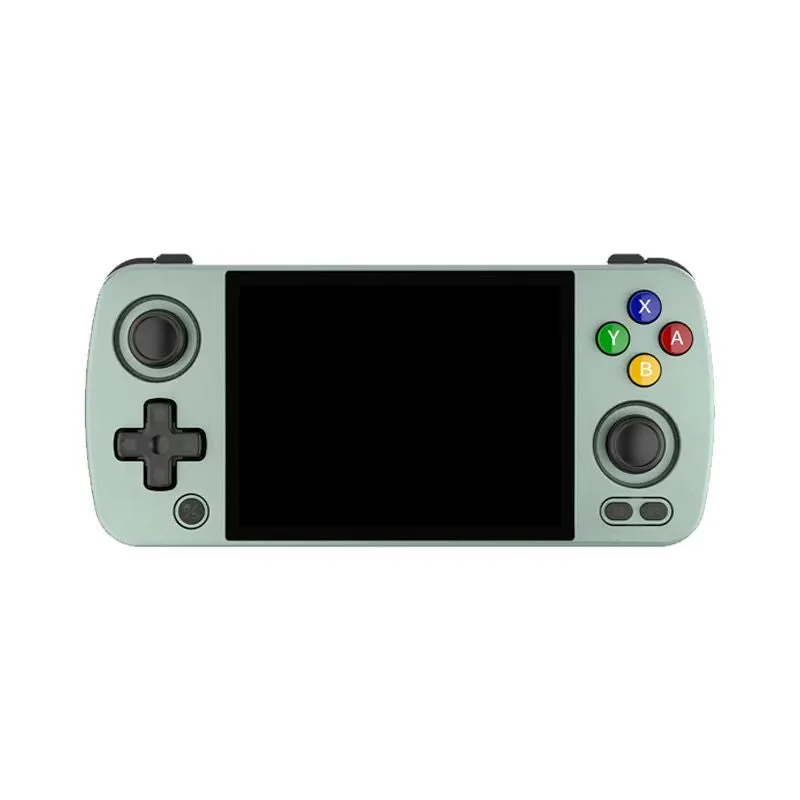
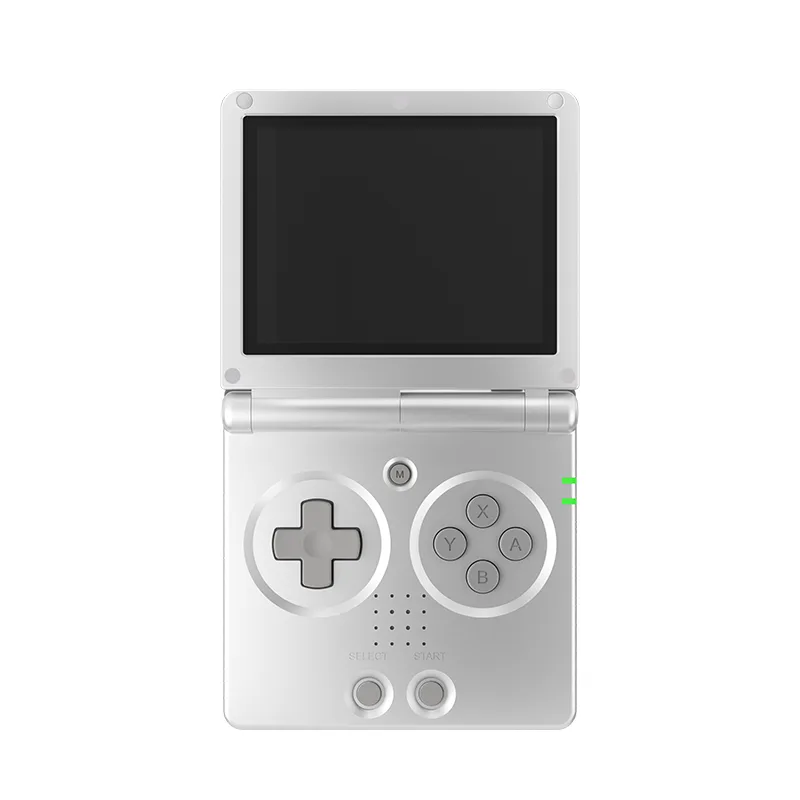
Anbernic RG35XX SP
3.5 in IPS, full viewing angle, OCA full lamination · 3300 mAh · Linux 64-bit
UK price not checked
What the card does in a retro handheld, what makers state about slots and maximum sizes, and what the SD Association capacity and speed labels mean.
By Sepehr Sabbagh-pourPublished 14 Oct 2026Updated 9 Nov 20267 min read

A microSD card is the removable card that fits a retro handheld's slot. Makers state a slot and often a maximum size, from 256GB to 2TB in this catalogue, and the SD Association defines the capacity and speed labels printed on cards. This guide covers both, and names no brands or shops.
It depends on the device, and the maker pages differ. Several Anbernic devices, such as the RG35XX SP, list a 64GB TF card (Anbernic's term for microSD) as included storage, with dual card slots. The Powkiddy RGB30 page assigns jobs to its two slots: "TF1 for the OS, TF2 for games". By contrast, the Retroid Pocket 5 lists 128GB of built-in UFS 3.1 storage plus a TF card slot, so the card there adds space on top of the internal storage.
So read the page for what the card is used for. Where a maker assigns the operating system to a card, as Powkiddy does with TF1, that card matters more than one that only adds space. See Android vs Linux retro handhelds for how the two families differ.
| Device | Stated card slot |
|---|---|
| Anbernic RG35XX H, RG34XX, RG40XX V, RG35XX Plus, RG35XX SP | Dual TF slots, maximum 512GB per card |
| Anbernic RG40XX H | Dual TF slots, maximum 512GB |
| Anbernic RG28XX, RG CubeXX, RG34XXSP | Dual card slots, up to 512GB |
| Anbernic RG353V | TF slot, cards up to 512GB (16GB card included) |
| RG405M, RG556, RG DS | TF slot, expansion up to 2TB |
| Mangmi Air X | microSD up to 2TB (FAT32) |
| Trimui Brick, Smart Pro S | TF card expandable up to 1TB (8GB eMMC built in) |
| Powkiddy RGB30 | Two TF slots, each 16GB to 256GB |
| Powkiddy V10 | External TF card, 16GB to 256GB; no internal storage stated |
| Retroid Pocket 6, Pocket 5, Flip 2, 4 Pro, Classic | TF slot listed; no maximum size stated |
| Ayaneo Pocket S, Pocket DS | SD 3.0 TF slot (Pocket S); Micro SD slot (Pocket DS); no maximum stated |
| Analogue Pocket | micro SD slot, no maximum stated |
| Miyoo Flip V2 | TF card slot; 64GB card included in the 64GB variants; no maximum stated |
| AYN Thor, AYN Odin 3, AYN Odin2 Portal | Internal UFS storage plus a TF card slot (Thor and Odin 3 from the maker's spec images); no maximum stated |
The Miyoo Mini Plus page says storage is expandable via microSD and offers a 64GB card or none. The Miyoo A30 page lists 64GB in each colour option and states no expansion slot, and the ModRetro Chromatic and Trimui Smart Pro files state none either. Of the 34 retro handhelds, 18 state a maximum card size, 13 state a slot with no maximum and three state no slot. A missing maximum is not a limit of zero. It means the maker has not told us, so ask before buying a large card.
The stated maximums fall into the SD Association's capacity classes, which makes the table below a quick filter. The class column is our reading of the Association's ranges, not a maker claim.
| Stated limit | Devices | Capacity class |
|---|---|---|
| 16GB to 256GB per slot | Powkiddy RGB30, V10 | SDHC at the low end (up to 32GB), SDXC above |
| Up to 512GB | Anbernic H700 models, RG353V | SDXC |
| Up to 1TB | Trimui Brick, Smart Pro S | SDXC |
| Up to 2TB | Anbernic RG405M, RG556, RG DS; Mangmi Air X | SDXC, at the top of its range |
| No maximum stated | Retroid models, Ayaneo, Analogue Pocket, AYN | Unknown |
Some simple arithmetic shows what that means. The RG35XX SP lists dual slots at up to 512GB each, so two cards could add up to 1,024GB (1TB) of card space. The Powkiddy RGB30 lists 16GB to 256GB per slot across two slots, so up to 512GB across both, and its page lists the 16GB variant with no expansion card. The RG405M lists 128GB eMMC plus a card of up to 2TB, so the card can be many times the built-in storage. The Retroid Pocket 5 lists 128GB of UFS 3.1 plus a card slot but no maximum, so there is no stated ceiling to calculate with.
Who this helps: if you want one large card, the Anbernic RG405M, RG556 and RG DS and the Mangmi Air X are the only pages that state a 2TB maximum, and the Trimui Brick and Smart Pro S state 1TB. If you prefer a modest card, the stated 256GB to 512GB limits cover it with room to spare. If your device states no maximum, treat any large card as an unconfirmed purchase.
The SD Association defines four capacity standards, and microSD cards use the same names (SD capacity standards). According to its page:
Two things follow. First, every maximum in the table above, from 256GB to 2TB, falls inside the SDXC range, and 2TB is the top of it. Powkiddy's 16GB lower bound is an SDHC size. The SD Association says an SDHC card works in SDHC, SDXC and SDUC hosts, but that an SDXC host can use SD, SDHC and SDXC cards only. Second, the SD Association says an SDUC card must only be used with SDUC host devices (SD card capacity choices). No maker in our catalogue states SDUC support, so a card above 2TB is outside every stated limit.
The Mangmi page is worth a second look. It lists microSD up to 2TB and names FAT32, while the standard's file system for SDXC is exFAT. The maker's page does not explain how these fit together, so check its guidance on formatting before you buy a large card.
Cards carry several overlapping symbols, all described on the SD Association's speed class page (SD speed classes).
The speed class page also says the classes apply to any write or read application that needs an assured minimum constant sequential access performance. It advises choosing a card whose class symbol is the same as or higher than the host's, and warns that the expected speed is not guaranteed when the host and card use different symbol types, for example a Class 10 host with a U1 card.
No maker page in the catalogue states which speed class or bus it supports. That means we cannot say whether a given handheld benefits from a faster symbol. The sensible reading is that a label such as A1 or U1 describes the card, and whether the device uses it is something to ask the maker.
Our research method never covers game files. For the rest of your shortlist, see how to choose a retro handheld or best retro handhelds.
Anbernic
3.5 in IPS, full viewing angle, OCA full lamination · 3300 mAh · Linux 64-bit
UK price not checked
Mangmi
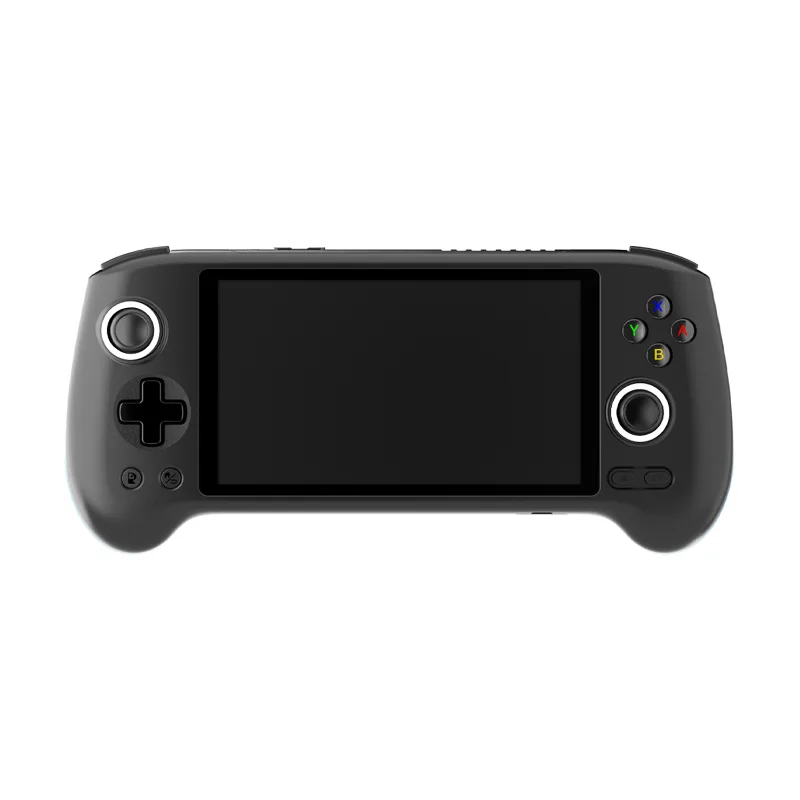
5.5 in IPS, 1920 x 1080 FHD, 400 nits, multi-touch · 5000 mAh · Android 14
UK price not checked
Powkiddy
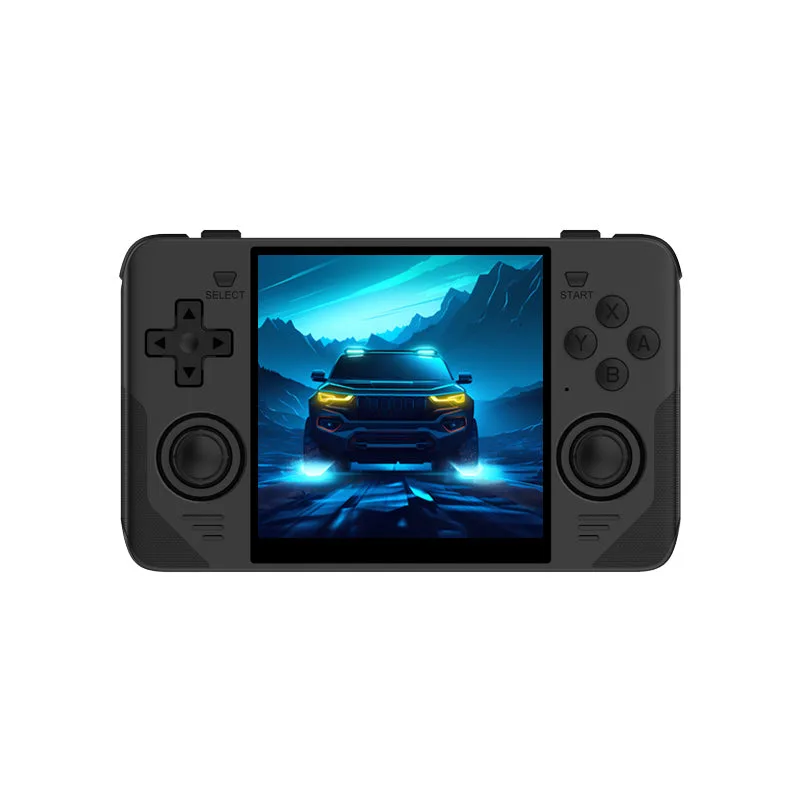
Sold out4 in OCA full fit, 1:1 LCD · 4100 mAh · Various open source Linux
UK price not checked
Guides
Decodes the chip names makers list on retro handhelds, explains our entry, mid, high and flagship tiers, and says what those tiers cannot tell you.
8 min read
Guides
Compares the IPS, OLED and LCD labels across 34 retro handhelds, with stated sizes and resolutions and pixel density worked out from the maker's figures. It does not explain how the panel types work.
7 min read
Guides
Six questions to ask before buying a retro handheld, each answered with the stated figures on our pages and example devices from the catalogue.
7 min read