Valve
Valve Steam Deck OLED
7.4 in HDR OLED, 1280 x 800, up to 90Hz · SteamOS 3 (Arch-based)
UK price not checked
Valve lists SteamOS 3 on the Steam Deck OLED; ASUS and MSI list Windows 11 Home; Lenovo describes both. Here is what each maker says.
By Sepehr Sabbagh-pourPublished 16 Oct 2026Updated 9 Nov 20268 min read

Of the six handheld PCs we cover, only the Valve Steam Deck OLED lists SteamOS 3. Four list Windows 11 Home: the three ASUS ROG models and the MSI Claw 8 EX AI+. Lenovo's page for the Legion Go Gen 2 describes both. We have not tested any of them, so this is about stated facts, not speed.
| Device | Operating system as the maker words it | Related software the page mentions |
|---|---|---|
| Valve Steam Deck OLED | SteamOS 3 (Arch-based) | KDE Plasma desktop |
| ASUS ROG Ally X | Windows 11 Home | Armoury Crate and Command Center buttons, Game Pass for PC offer of 3 months, Microsoft Pluton, security update period |
| ASUS ROG Xbox Ally | Windows 11 Home | Game Pass Premium offer of 2 months, Windows S mode note, Microsoft Pluton, security update period |
| ASUS ROG Xbox Ally X | Windows 11 Home | Game Pass Premium offer of 2 months, Windows S mode note, Microsoft Pluton, security update period |
| MSI Claw 8 EX AI+ CG3EM | Windows 11 Home | MSI Center M with Xbox Mode, 2 months of Xbox Game Pass Essential |
| Lenovo Legion Go Gen 2 | Windows 11 and SteamOS both described; shipped configuration not stated | Legion Space is listed for Windows models |
Valve's Steam Deck OLED page lists SteamOS 3, which it describes as Arch-based, with a KDE Plasma desktop. Valve's own page does not list Windows for this device. The same page lists the hardware around it: a 7.4 inch HDR OLED, 16 GB of RAM, a 50Wh battery and a microSD slot on every model. SteamOS is therefore the one operating system Valve states for the Steam Deck OLED. Valve's UK page shows £779 for the 512GB OLED model (checked Oct 2026). Valve's FAQ says multi-booting is supported but does not name any operating systems.
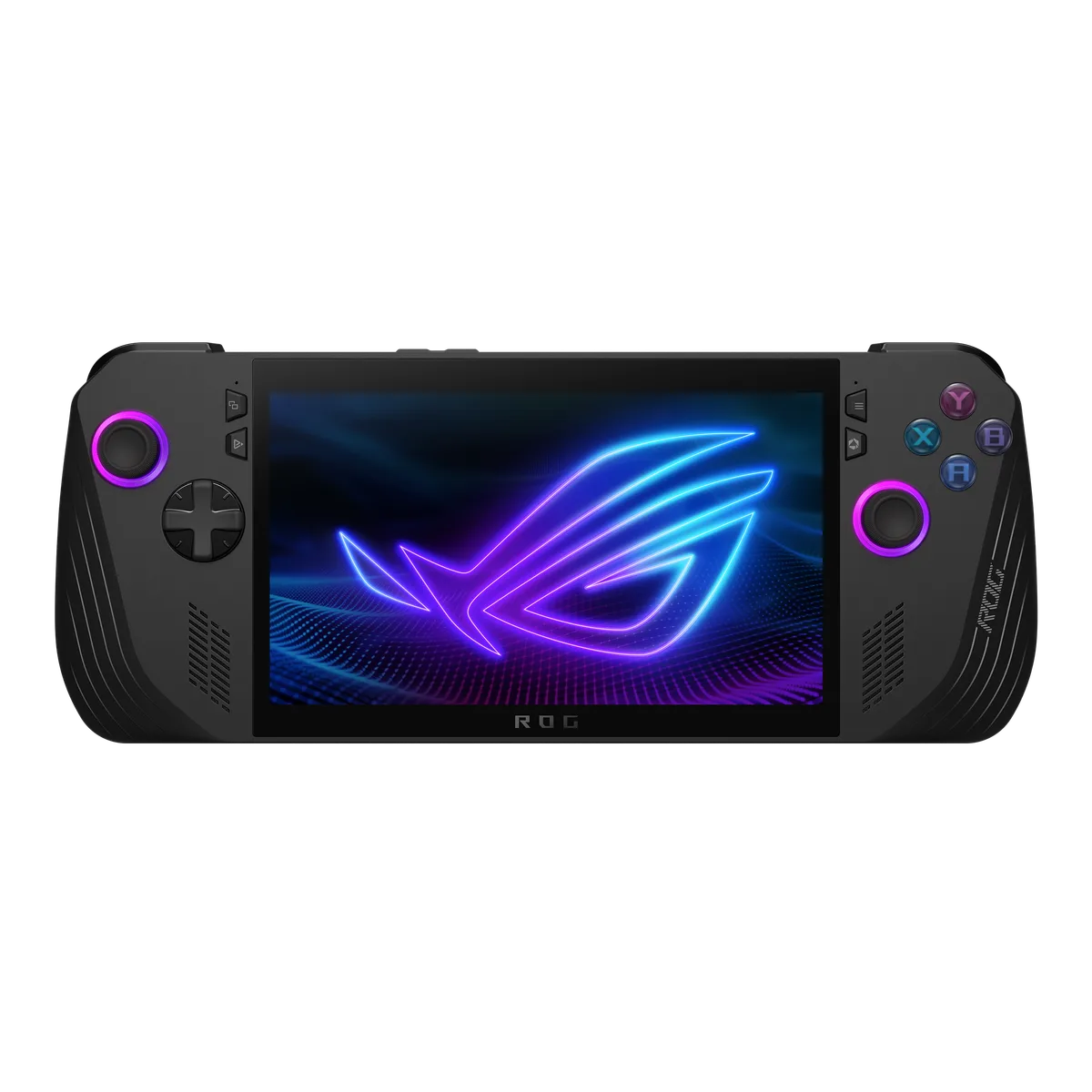
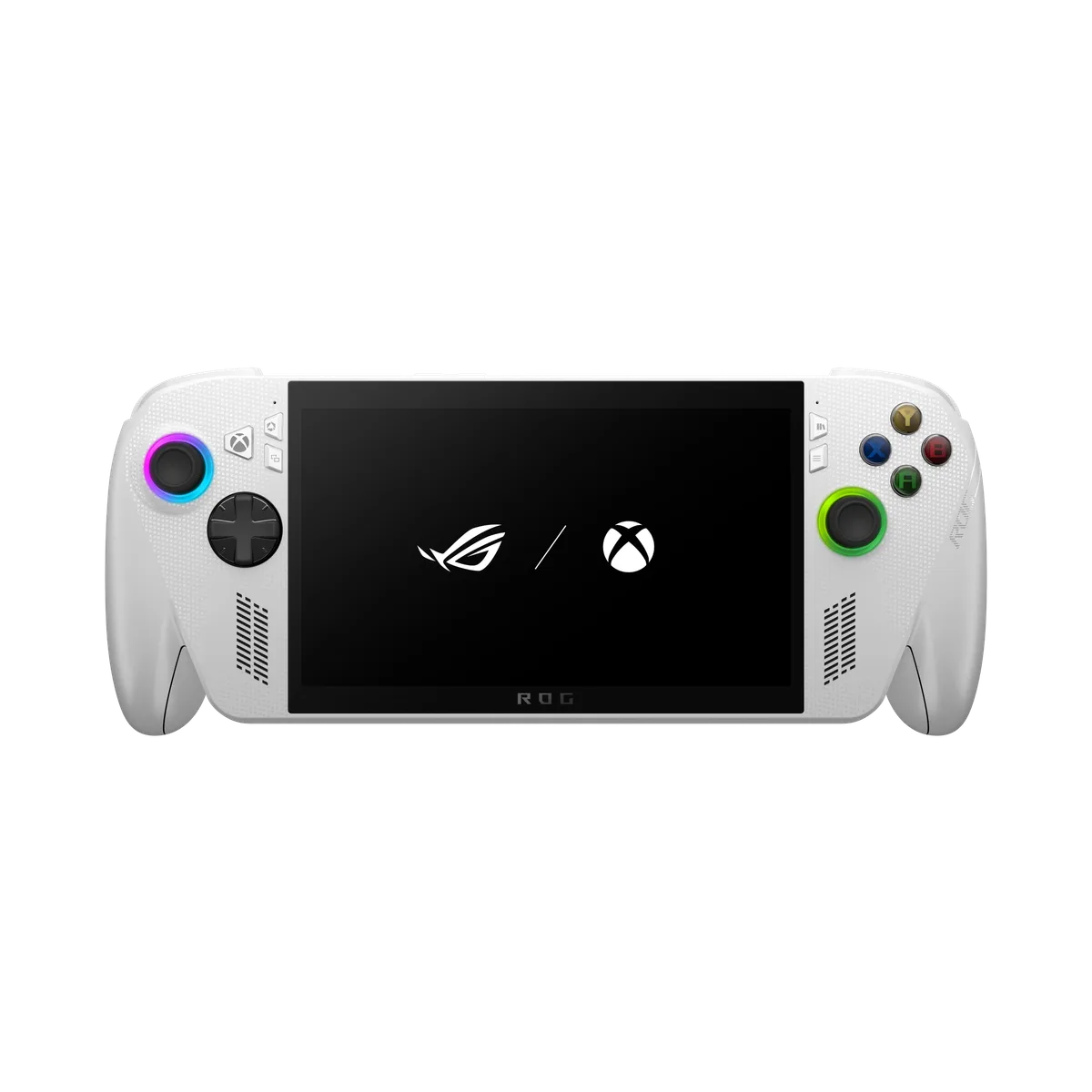
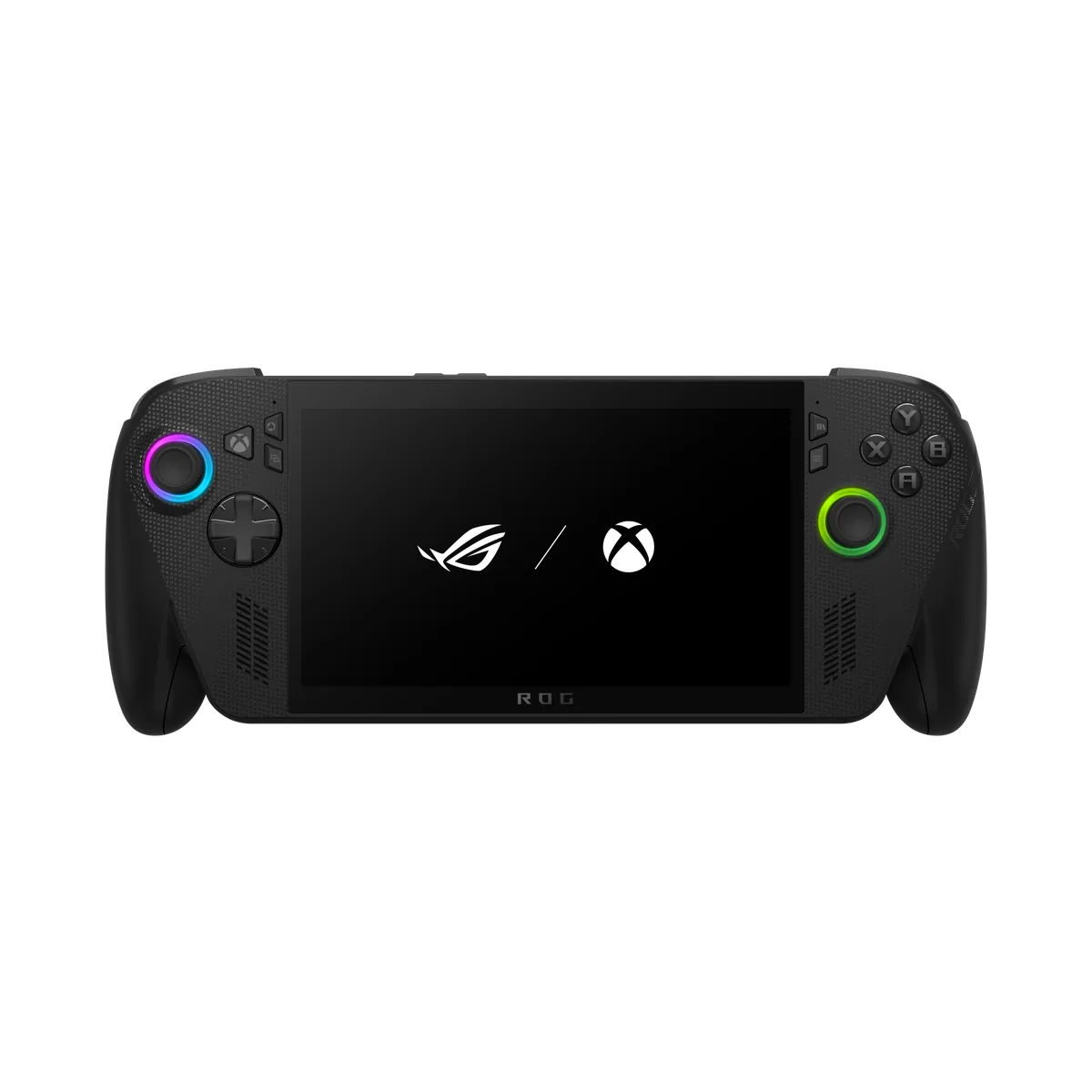
ASUS lists Windows 11 Home on the ROG Ally X, the ROG Xbox Ally and the ROG Xbox Ally X. Two details on the ASUS pages are about the software layer rather than the hardware. On the Xbox Ally models ASUS lists a Game Pass Premium offer of two months, subject to terms and eligible markets, and both pages note that using Game Pass on the PC requires switching out of Windows S mode. The Ally X page lists a three-month Game Pass for PC offer instead, and the Ally X and Xbox Ally X pages list Armoury Crate and Command Center buttons among the controls.
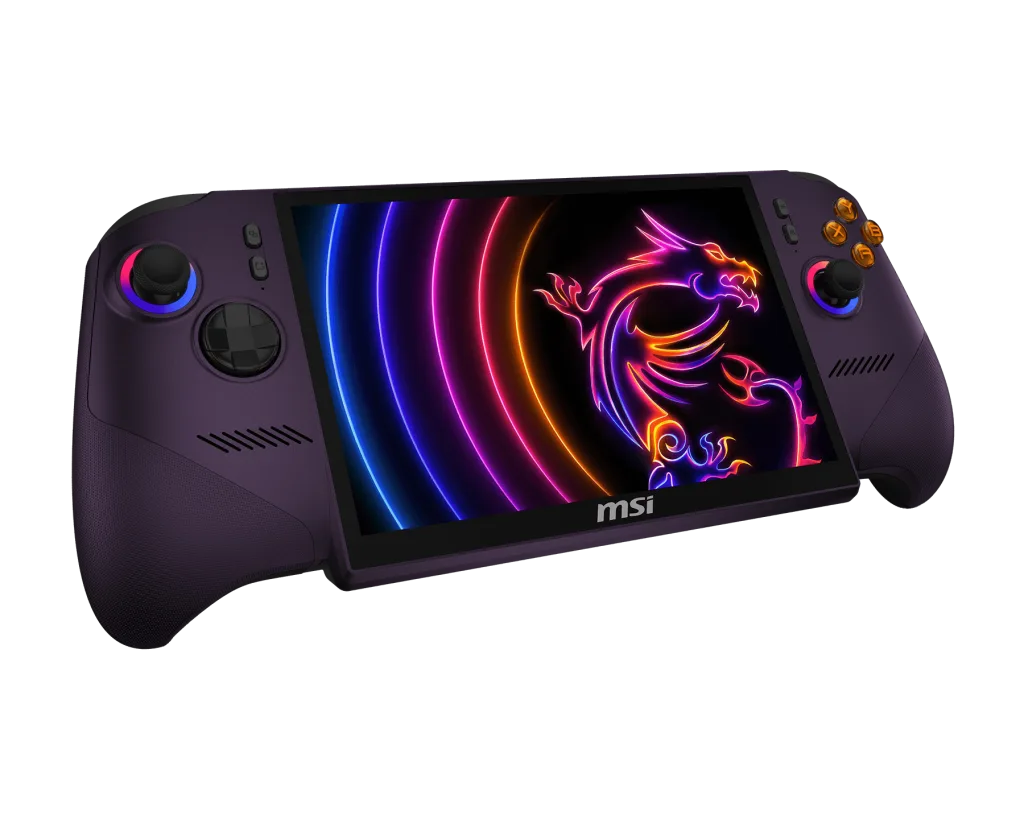
ASUS also words one specification around the OS: it says the Bluetooth 5.4 version may change with the OS version. That is a reminder that a stated hardware figure on a Windows device can depend on the software build. ASUS also lists security update support periods: 5 years (until 31 December 2030) for both Xbox Ally models and 4.5 years (until 31 December 2028) for the ROG Ally X. MSI's UK store page lists Windows 11 Home on the Claw 8 EX AI+, along with MSI Center M with Xbox Mode and two months of Xbox Game Pass Essential.
The Lenovo UK page for the Legion Go Gen 2 lists Windows 11 and names Legion Space for Windows models, and it also has a section describing SteamOS. It does not say which operating system a given configuration ships with, and it does not say which one the page's GBP price covers. If operating system matters to you, confirm the exact configuration on Lenovo's store before you buy rather than assuming either.
We can reason from the stated facts, though not from any performance figure. If you want the operating system Valve lists and the lightest body (640 g), the Steam Deck OLED is the device on our list that states SteamOS 3. If you want Windows 11 Home, you have four to choose from, ranging from 670 g to 785 g, with screens from 7 inches at 1920 x 1080 to 8 inches at 1920 x 1200. If you want a choice of either on one product line, the Lenovo page describes both, but the configuration needs confirming.
Windows models also carry software notes that SteamOS does not: the S mode caveat for Game Pass on the Xbox Ally models, and Armoury Crate on the Ally X. These are not good or bad in themselves; they are things to read before purchase. The Steam Deck OLED vs ROG Ally X comparison puts the SteamOS and Windows options next to each other on the same rows, and best PC handhelds in the UK lists all six.
A spec sheet for a PC handheld is partly a software document. ASUS lists the Bluetooth version as one that may change with the OS version, ASUS ties the Game Pass offer to Windows S mode settings on both Xbox Ally models, and Lenovo lists Legion Space only for its Windows models. Valve, by contrast, lists a single operating system and a single desktop environment. In every case the practical advice is the same: read the operating system line and the notes beside it on the maker's own page for the exact configuration, because that is where the maker puts its conditions.
Reading across the six pages, the operating system line brings other stated details with it. These are the ones that differ by maker:
None of this tells you which system is better. It tells you where each maker put its conditions, so you know which lines to read.
Take weight and battery, two figures an operating system does not change. The Steam Deck OLED lists 50Wh at 640 g, and the ROG Xbox Ally lists 60Wh at 670 g. The Xbox Ally therefore adds 10Wh for 30 g, and runs a different operating system. What the maker cannot tell you is how much of any runtime difference comes from the system rather than the screen and chip, since no maker publishes that split. That is the reason this guide declines to say either system is faster or longer-lasting.
The gaps are as informative as the figures. None of the six pages recorded here gives a frame-rate comparison or an operating system battery comparison. Lenovo does not say which operating system its pounds price covers. ASUS shows no price amount on its three spec pages. MSI marks its Launch Pack listing Unavailable. Where a figure is missing, we leave it blank rather than fill it from memory or from other reviewers.
If these terms are new, read what a handheld gaming PC is first. For the Android and Linux choice on retro handhelds, a different question, see Android vs Linux retro handhelds. More background is in the PC handheld articles, guides and how we research.
Valve
7.4 in HDR OLED, 1280 x 800, up to 90Hz · SteamOS 3 (Arch-based)
UK price not checked
ASUS
7 in 7-inch FHD (1920 x 1080) IPS-level touchscreen, 120Hz · Windows 11 Home
UK price not checked
ASUS
7 in 7-inch FHD (1920 x 1080) IPS-level touchscreen, 120Hz · Windows 11 Home
UK price not checked
ASUS
7 in 7-inch FHD (1920 x 1080) IPS-level touchscreen, 120Hz · Windows 11 Home
UK price not checked
MSI
Sold out8 in 8" FHD+ (1920 x 1200) IPS-level touchscreen, 120Hz, VRR · Windows 11 Home
UK price not checked
Lenovo
8.8 in 8.8-inch Lenovo PureSight OLED Gaming display, 16:10, 144Hz VRR · Windows 11 (the page also describes SteamOS)
UK price not checked
PC Handhelds
The Steam Deck OLED lists SteamOS, a 7.4 inch OLED and 640 g; the ROG Ally X lists Windows 11, a 7 inch 1080p 120Hz panel and an 80Wh battery.
7 min read
PC Handhelds
The chips in six handheld PCs, as the makers state them: cores, threads, boost speed, graphics and power range, with no performance claims.
7 min read
PC Handhelds
A handheld gaming PC is a portable computer with built-in controls, running a full PC operating system. Here is how that differs from retro handhelds and consoles.
8 min read