Valve
Valve Steam Deck OLED
7.4 in HDR OLED, 1280 x 800, up to 90Hz · SteamOS 3 (Arch-based)
UK price not checked
A handheld gaming PC is a portable computer with built-in controls, running a full PC operating system. Here is how that differs from retro handhelds and consoles.
By Sepehr Sabbagh-pourPublished 16 Oct 2026Updated 9 Nov 20268 min read

A handheld gaming PC is a portable computer with its screen and controls built in, running a full PC operating system such as Windows 11 or SteamOS 3. It is not a retro handheld. These are the models from Valve, ASUS, Lenovo and MSI that we cover; we have not tested any.
This guide covers the six models we compare and uses only the makers' own statements, recorded in October 2026.
Three stated traits set these devices apart. First, the operating system: Valve lists SteamOS 3, which it describes as Arch-based with a KDE Plasma desktop, while ASUS lists Windows 11 Home on the ROG Ally X and the MSI Claw 8 EX AI+ lists the same. Lenovo's UK page describes Windows 11 and SteamOS. These are general-purpose systems, not a fixed games menu.
Second, the chip: AMD Ryzen Z-series parts, a 6 nm AMD APU named only by process node on the Steam Deck OLED, or an Intel Arc G3 Extreme. Third, the hardware around it: 16 GB to 32 GB of RAM where stated, a 512GB to 1TB PCIe or NVMe SSD, and ports such as USB 4 or Thunderbolt 4 that ASUS and MSI list. The detail is in handheld PC chips explained.
A retro handheld, in the sense used across the rest of this site, is a small, low-cost device built to play older systems. Of the 34 retro handhelds in our catalogue, 14 list Android and 16 list Linux as their system family, and the weights recorded run from 125 g to 430 g. The six PC handhelds here list weights from 640 g to 920 g with controllers attached, screens of 7 to 8.8 inches, and batteries of 50Wh to 80Wh. Retro handhelds usually state battery in mAh; the PC handhelds state it in watt-hours, and the two units should not be converted into each other.
The difference that matters most is what each is built to do. A retro handheld is sold around emulating classic systems, covered in what a retro handheld is and Android vs Linux retro handhelds. A handheld gaming PC is sold around running PC software, with the operating system you choose being part of the decision. For the retro side of the site, see the retro handheld device pages.
The makers' pages describe PC operating systems, not a console platform, and that is the practical dividing line. On a Windows model such as the ROG Xbox Ally, ASUS lists Windows 11 Home and notes that using Game Pass on the device means leaving Windows S mode, which is a PC setting. On the Steam Deck OLED, Valve lists a KDE Plasma desktop alongside SteamOS 3. We do not cover consoles on this site, so we make no further comparison.
Because these are PCs, the specs use PC terms. Watt-hours (Wh) measure battery capacity: the ROG Ally X lists 80Wh and the Steam Deck OLED 50Wh, so on paper the Ally X holds more energy, though energy use depends on the chip and screen. Valve gives 3 to 12 hours of gameplay for its 50Wh battery, depending on content; none of the ASUS, Lenovo or MSI pages we recorded give hours.
The power setting also matters. ASUS lists a 9 to 30W TDP for the Ally X, and Valve lists 4 to 15W for its APU. These are the makers' stated ranges for the chip, and they are power ratings for the chip, not a measure of how fast a game will run. For terms such as refresh rate and resolution, see how to read handheld specs.
PC handhelds list the same kinds of storage and connections you would look for on a small laptop. Valve lists a 512GB or 1TB NVMe SSD and a UHS-I microSD slot on every model. ASUS lists a PCIe 4.0 NVMe M.2 2280 SSD and a UHS-II microSD reader, at 512GB on the Xbox Ally and 1TB on the Ally X and Xbox Ally X. MSI lists a 1TB PCIe Gen4 SSD and says to "remove the back cover for quick and easy upgrades". Lenovo names a PCIe SSD but gives no capacity.
For ports, ASUS lists a USB 4 Type-C on the Ally X and Xbox Ally X that it says is Thunderbolt 4 compliant, and MSI lists two Thunderbolt 4 ports. Wireless varies: Wi-Fi 6E on the Valve, ASUS and Lenovo models, and Wi-Fi 7 with Bluetooth v6 only on the MSI.
A watt-hour (Wh) is energy: one watt drawn for one hour. Divide a battery's Wh by the average power the device draws and you get hours. Valve states 50Wh and 3 to 12 hours, so its own figures imply an average draw of roughly 4 to 17W (50 divided by 12, and 50 divided by 3). That range is wide because the draw depends on the game, the screen brightness and the power setting.
The other makers give capacity without hours: 80Wh on the ROG Ally X, ROG Xbox Ally X and MSI Claw 8 EX AI+, 74Wh on the Legion Go Gen 2 and 60Wh on the ROG Xbox Ally. Compare Wh with Wh across these devices. Do not compare them with the mAh figures on retro handhelds, because converting needs a battery voltage that the pages we recorded do not give.
Resolution is the pixel grid, and refresh rate is how many times a second the picture updates. The six models span 1280 x 800 up to 90Hz on the Steam Deck OLED, 1920 x 1080 at 120Hz on the three ASUS models, 1920 x 1200 at 48 to 120Hz variable refresh on the MSI, and an 8.8 inch OLED at 144Hz on the Lenovo, where the page says only "1200p gaming" and gives no pixel figures. The ASUS and MSI panels are described as IPS-level; Valve and Lenovo list OLED. The trade-offs between those panel types are in IPS vs OLED vs LCD screens.
A bigger pixel count is not a promise of smoother games. A 1920 x 1080 panel holds 2,073,600 pixels against 1,024,000 on a 1280 x 800 one, which is about double, and a chip has to draw all of them. The makers do not publish a comparison of what that costs in battery, so we leave it as a question for the buyer.
A guide is only useful if it admits the gaps. From the pages recorded for this site:
None of this means a missing figure is bad news. It means the maker has not published it where we looked, so we leave it blank.
| Device | OS listed | Chip (maker's name) | Screen | Battery |
|---|---|---|---|---|
| Valve Steam Deck OLED | SteamOS 3 | 6 nm AMD APU | 7.4 inch OLED, 1280 x 800, 90Hz | 50Wh |
| ASUS ROG Ally X | Windows 11 Home | Ryzen Z1 Extreme | 7 inch, 1920 x 1080, 120Hz | 80Wh |
| ASUS ROG Xbox Ally | Windows 11 Home | Ryzen Z2 A | 7 inch, 1920 x 1080, 120Hz | 60Wh |
| ASUS ROG Xbox Ally X | Windows 11 Home | Ryzen AI Z2 Extreme | 7 inch, 1920 x 1080, 120Hz | 80Wh |
| MSI Claw 8 EX AI+ CG3EM | Windows 11 Home | Intel Arc G3 Extreme | 8 inch, 1920 x 1200, 48~120Hz | 80Wh |
| Lenovo Legion Go Gen 2 | Windows 11 (SteamOS also described) | Ryzen Z2 Extreme | 8.8 inch OLED, 144Hz | 74Wh |
For a ranked-style shortlist with who each suits, read best PC handhelds in the UK. For the operating system question, see SteamOS vs Windows on handheld PCs.
Check the operating system the specific configuration ships with, the storage capacity (Lenovo's page gives none), and the weight against what you are used to carrying. Check the price on the maker's UK store on the day: Valve shows £779 for the 512GB OLED (checked Oct 2026), while the ASUS spec pages show no amount. Our research method explains where every figure comes from, and the PC handheld articles and guides hubs list the rest.
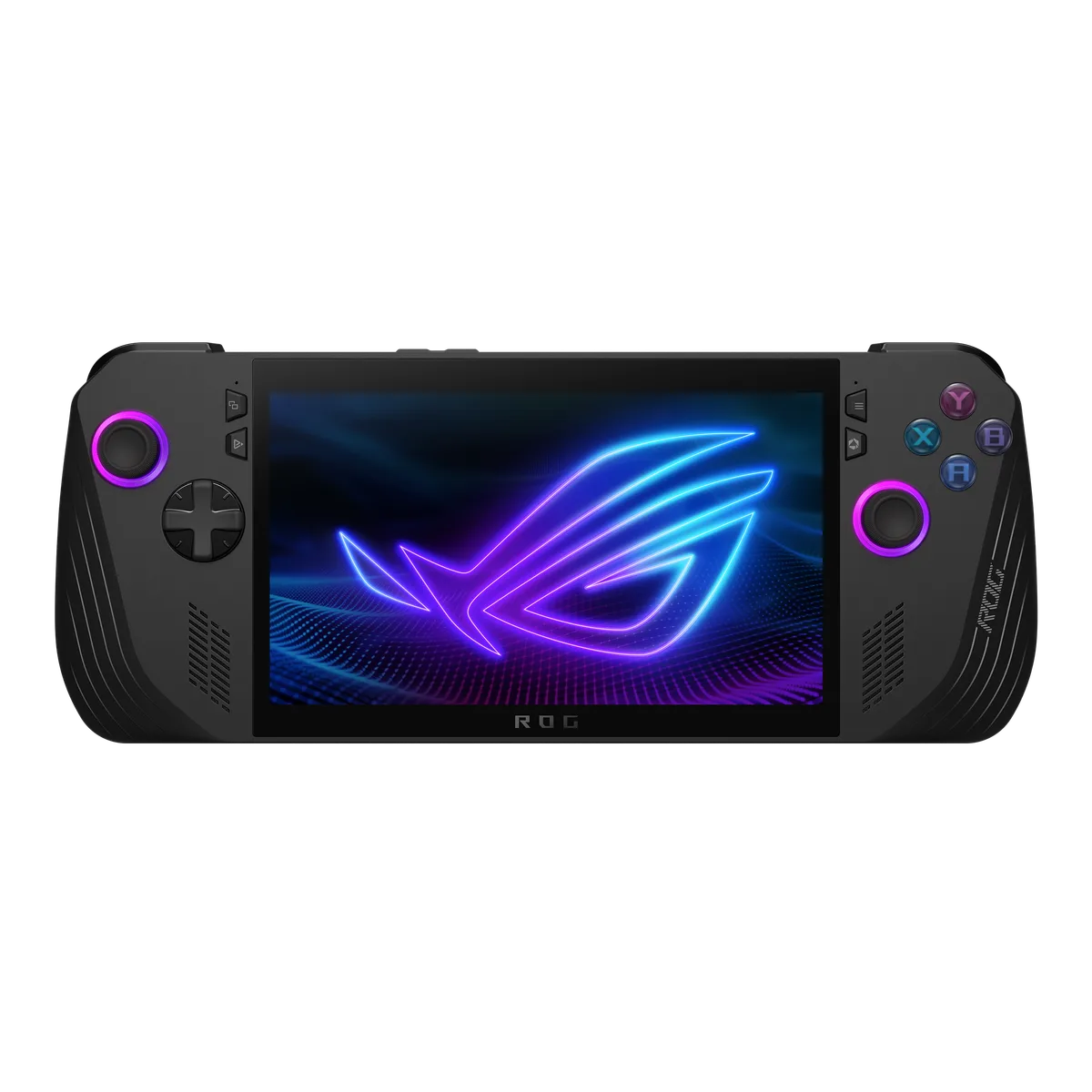
Valve
7.4 in HDR OLED, 1280 x 800, up to 90Hz · SteamOS 3 (Arch-based)
UK price not checked
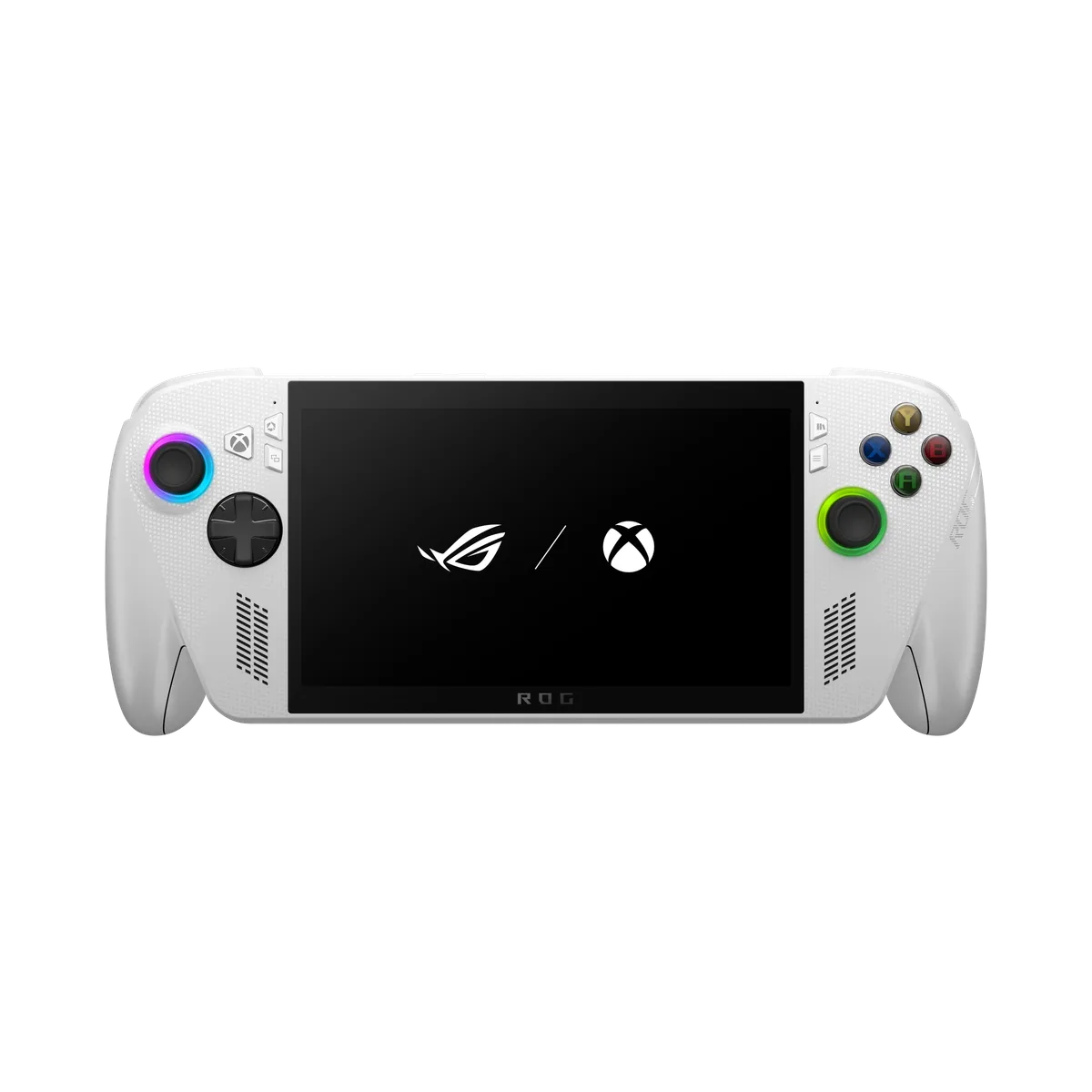
ASUS
7 in 7-inch FHD (1920 x 1080) IPS-level touchscreen, 120Hz · Windows 11 Home
UK price not checked
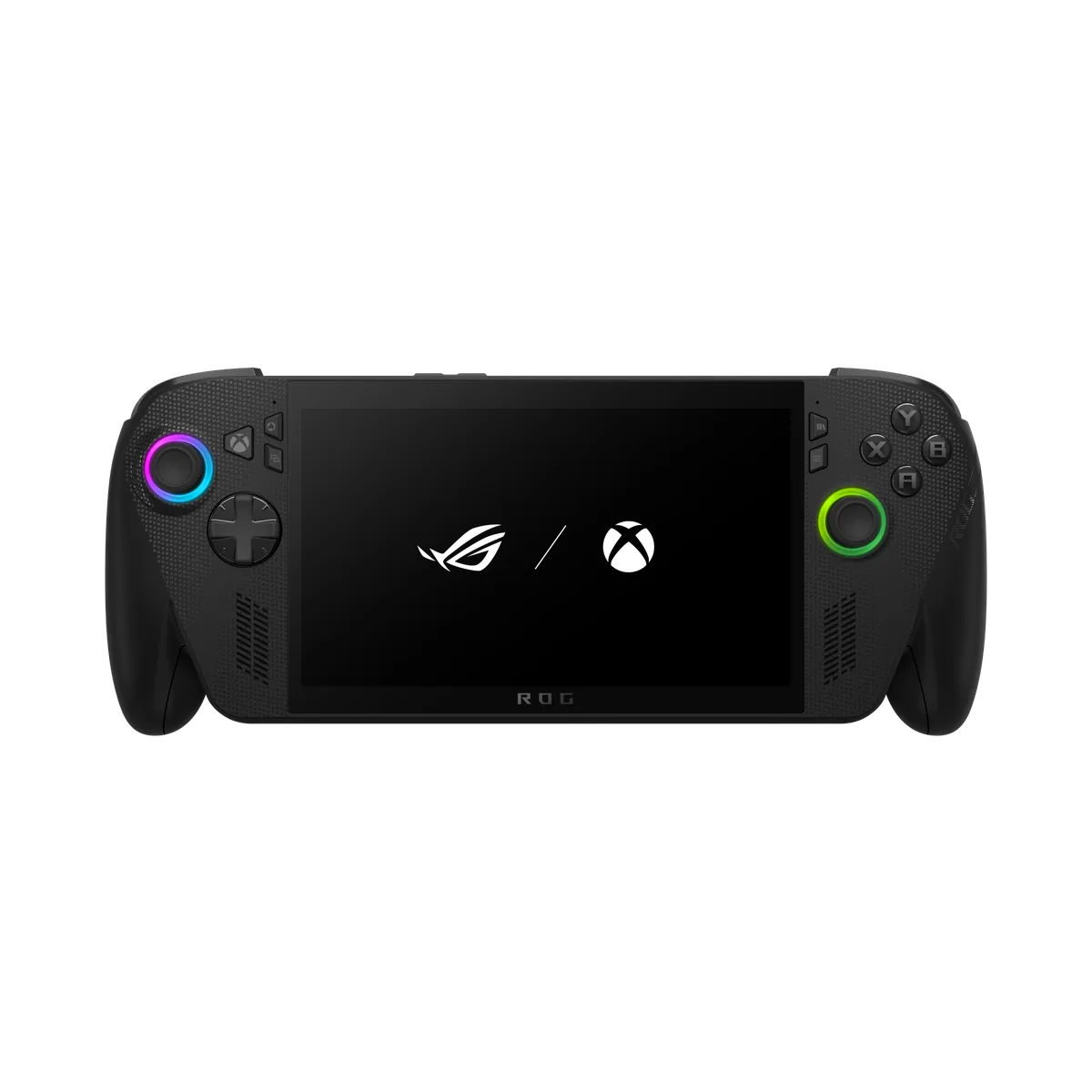
ASUS
7 in 7-inch FHD (1920 x 1080) IPS-level touchscreen, 120Hz · Windows 11 Home
UK price not checked
ASUS
7 in 7-inch FHD (1920 x 1080) IPS-level touchscreen, 120Hz · Windows 11 Home
UK price not checked
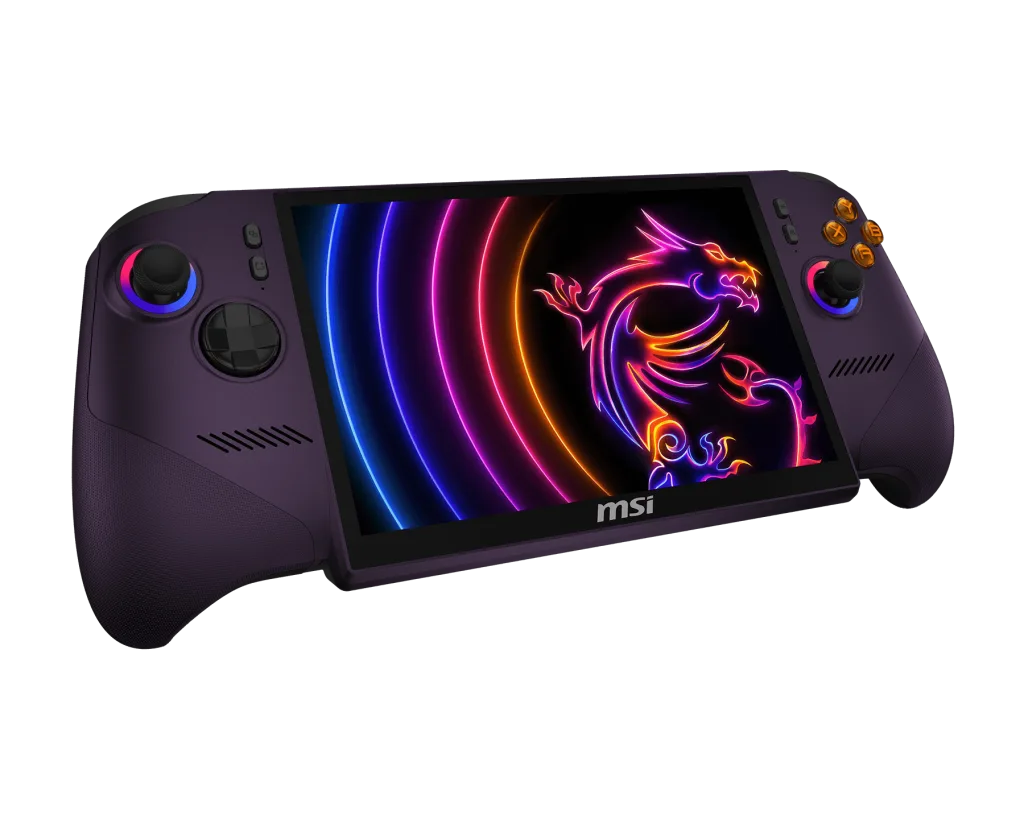
MSI
Sold out8 in 8" FHD+ (1920 x 1200) IPS-level touchscreen, 120Hz, VRR · Windows 11 Home
UK price not checked
Lenovo
8.8 in 8.8-inch Lenovo PureSight OLED Gaming display, 16:10, 144Hz VRR · Windows 11 (the page also describes SteamOS)
UK price not checked
PC Handhelds
The Steam Deck OLED lists SteamOS, a 7.4 inch OLED and 640 g; the ROG Ally X lists Windows 11, a 7 inch 1080p 120Hz panel and an 80Wh battery.
7 min read
PC Handhelds
The chips in six handheld PCs, as the makers state them: cores, threads, boost speed, graphics and power range, with no performance claims.
7 min read
PC Handhelds
Valve lists SteamOS 3 on the Steam Deck OLED; ASUS and MSI list Windows 11 Home; Lenovo describes both. Here is what each maker says.
8 min read